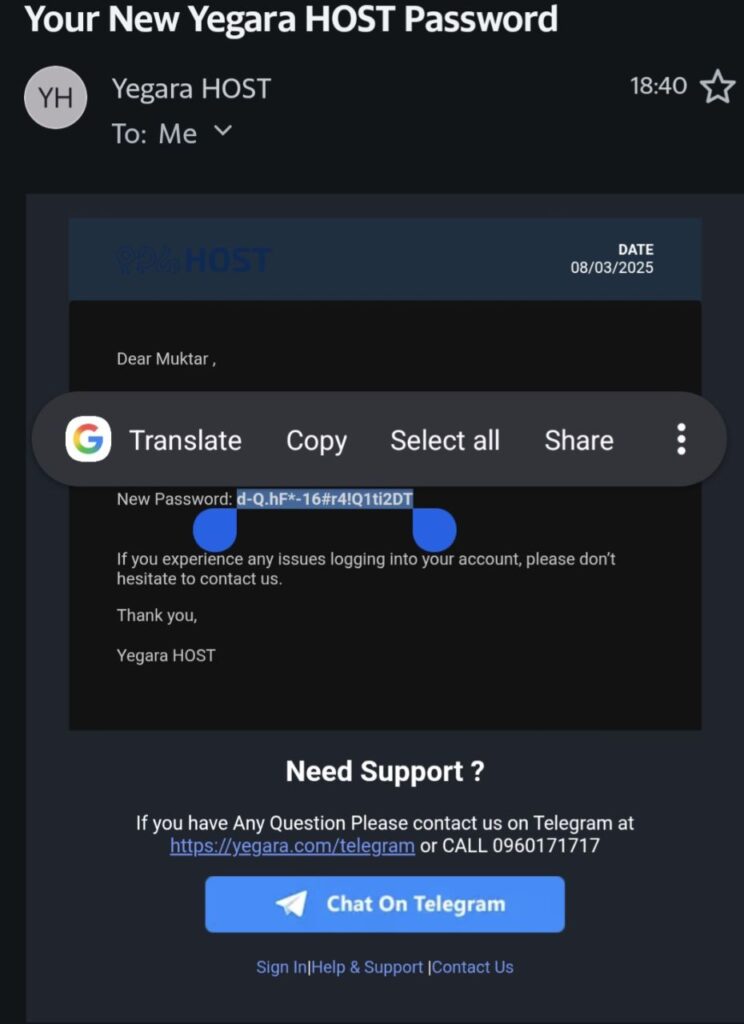
If you are trying to login to your yegara dashboard (yegara Account) and if you do not remember your password You can reset your password.
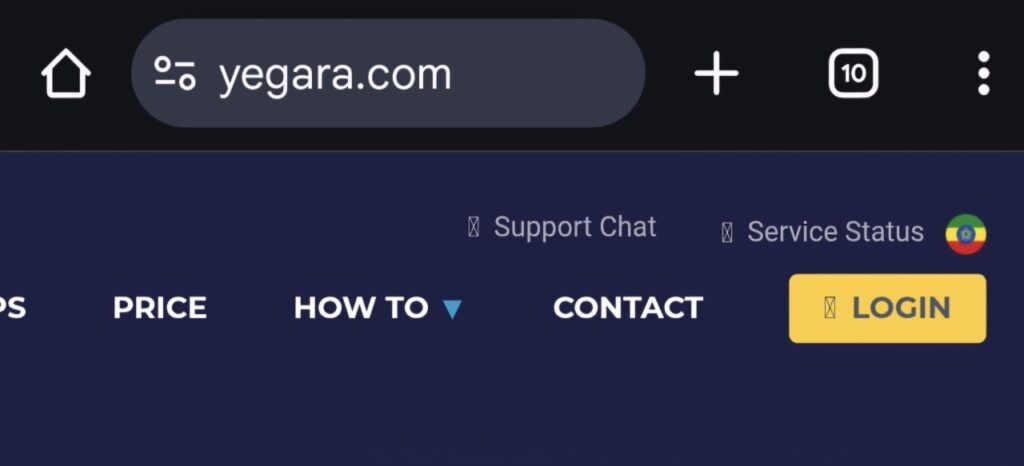
- Go to yegara.com/login
2. Click “Forgot your password”
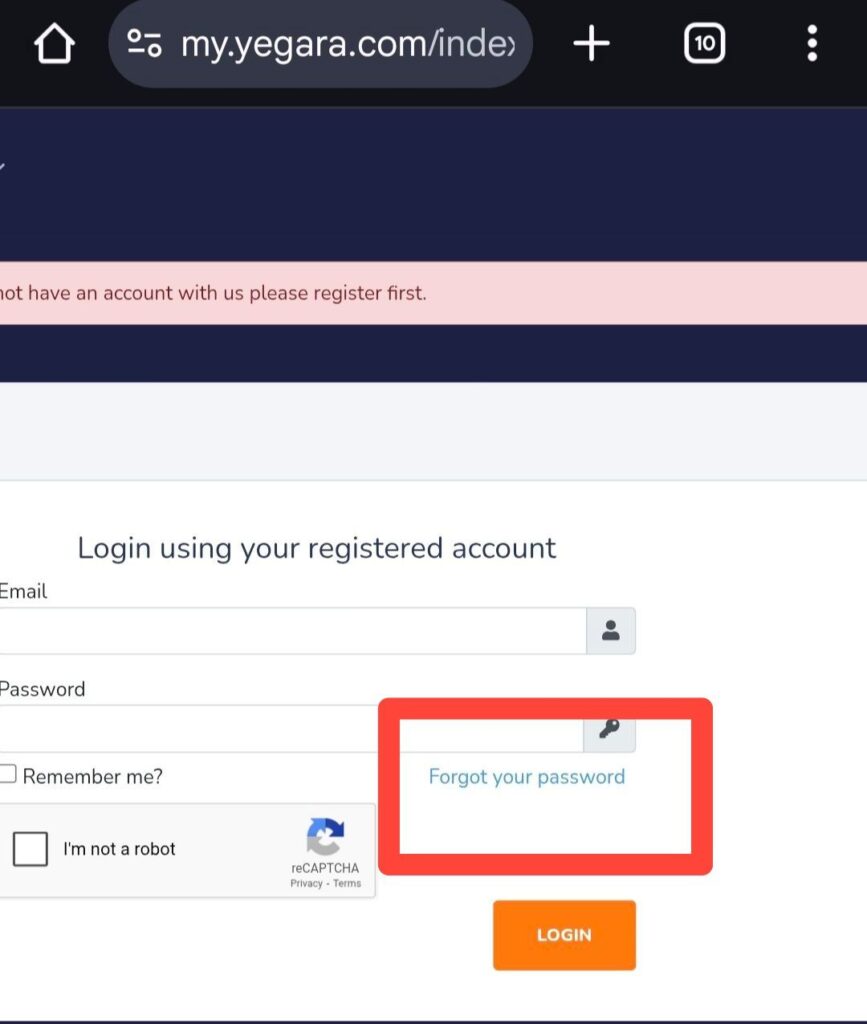
3. Insert the registered email and click SUBMIT only one time.

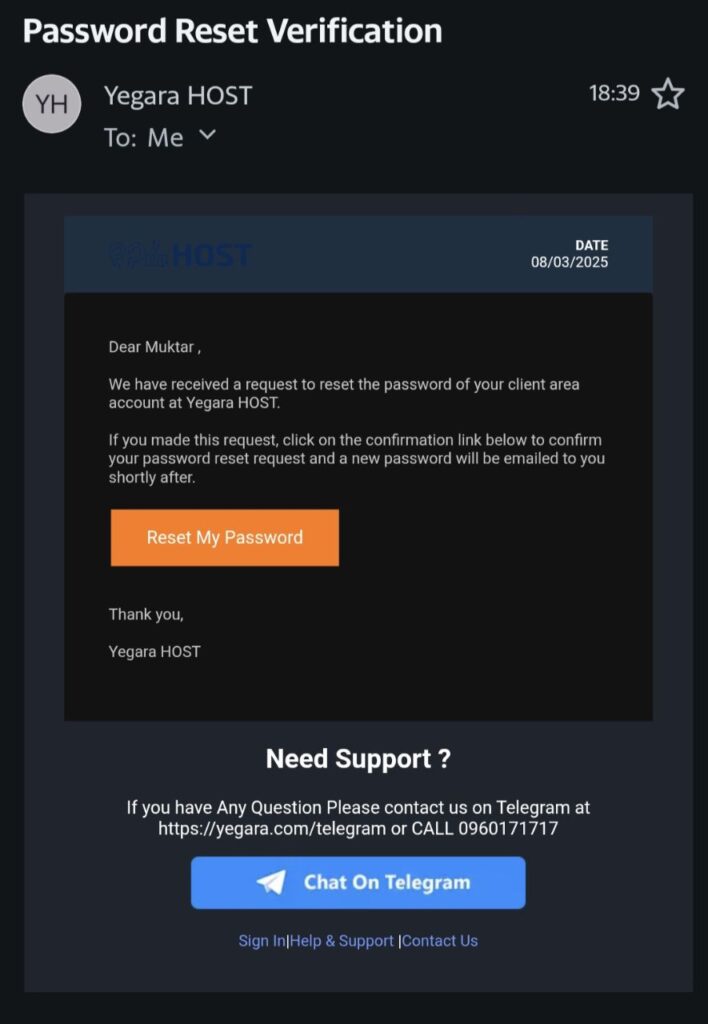
4. A reset link will be sent to the email(registeredemail). Click “reset my password” only one time.
5. A new password will be sent to the same email (registered email).
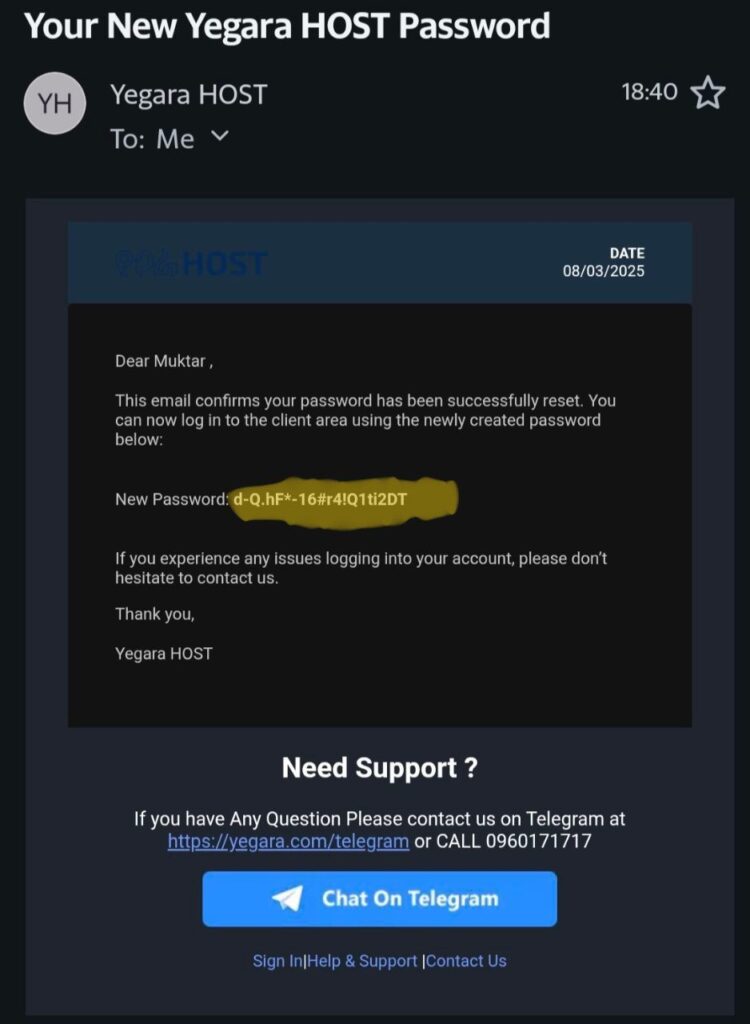
6. Use copy and paste to login