-
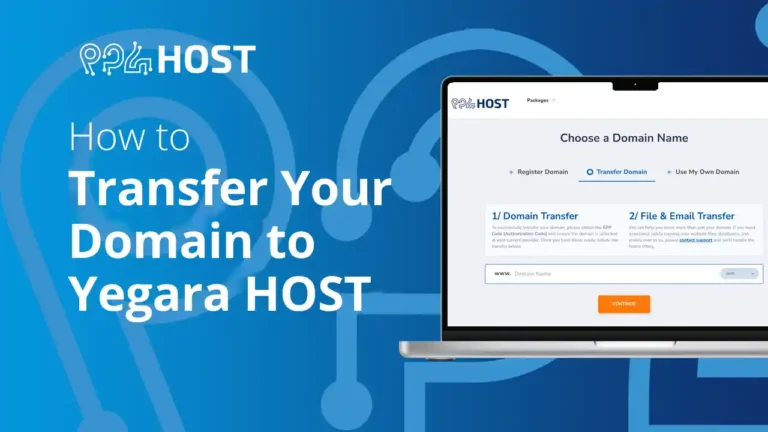
How to Transfer Your Domain to Yegara HOST
Move a domain you registered elsewhere to Yegara HOST: what to check first, how to unlock it and get the EPP code, how to…

-
How to Upload Your Website in DirectAdmin
Upload your website to Standard or free .pro.et hosting with the DirectAdmin File Manager: where the files go, why the home page must be…
-
How to Set Up DNS for Your Free .pro.et Domain
Set the DNS records of your free .pro.et domain in Host Records: point it to your Yegara hosting or to another host such as…
-
Your .dev Domain Is Not Working Yet? Here Is Why
Ordered a .dev domain and it does not open yet? A .dev cannot be registered automatically like a .com: our team activates it by…
-
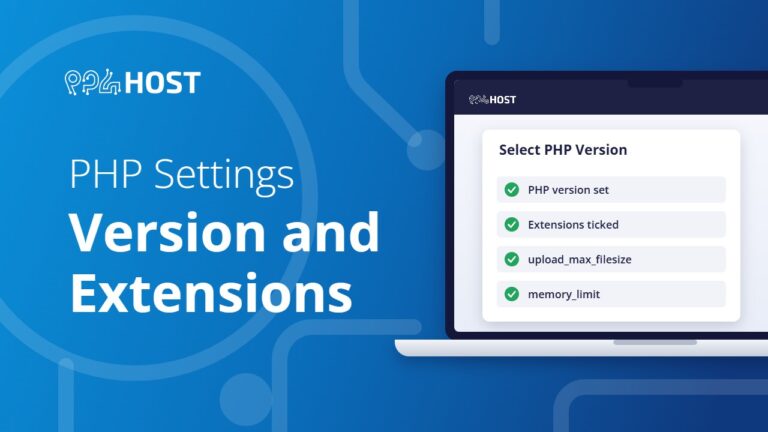
PHP Settings: Version, Extensions, Upload Size and Memory Limit
Change your PHP version, switch extensions on or off, and raise the upload size, memory limit and execution time yourself in cPanel under Select…
-
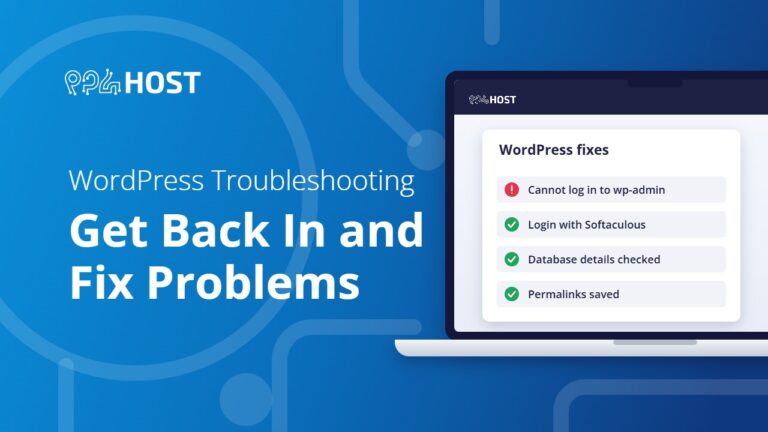
WordPress Troubleshooting: Get Back In and Fix Common Problems
Fix the WordPress problems we see most: locked out of wp-admin, the site opening on the wrong address after a domain change, database errors…
-

Getting Started with Your VPS
Your first steps on a Yegara VPS: where the login details arrive, the first SSH login, basic security, pointing a domain to the server,…
-
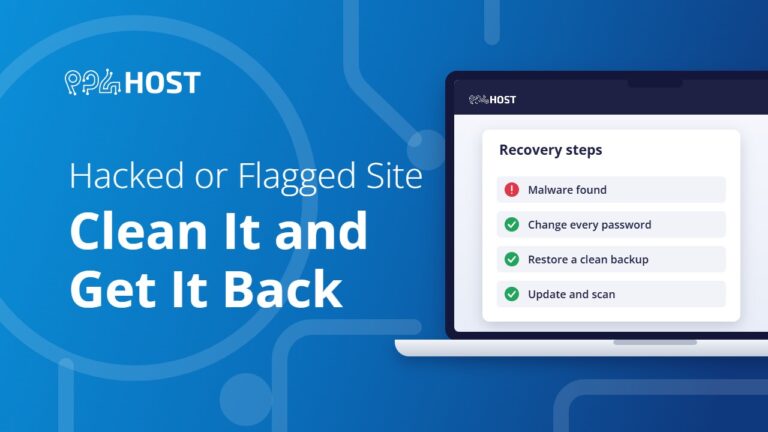
Hacked or Flagged Site: How to Clean It and Get It Back
What to do when your site is hacked, shows a browser warning or is suspended for malware: lock the account, restore a clean backup,…
-
Contact Yegara HOST: Channels and Support Hours
How to reach Yegara HOST: Telegram chat, phone, SMS and email, which channel to use for what, our support hours, and what to send…

