
Getting Started
New to Yegara Host? Order a domain and hosting, confirm your payment and get your site online.
-
How to Upload Your Website in DirectAdmin
Upload your website to Standard or free .pro.et hosting with the DirectAdmin File Manager: where the files go, why the home page must be…
-
How to Set Up DNS for Your Free .pro.et Domain
Set the DNS records of your free .pro.et domain in Host Records: point it to your Yegara hosting or to another host such as…
-

Getting Started with Your VPS
Your first steps on a Yegara VPS: where the login details arrive, the first SSH login, basic security, pointing a domain to the server,…
-
Contact Yegara HOST: Channels and Support Hours
How to reach Yegara HOST: Telegram chat, phone, SMS and email, which channel to use for what, our support hours, and what to send…
-

Use a Domain Bought Elsewhere with Yegara Hosting
Already own a domain at another registrar or a .et domain from Ethio Telecom? Order hosting with “Use my own domain”, then point it…
-
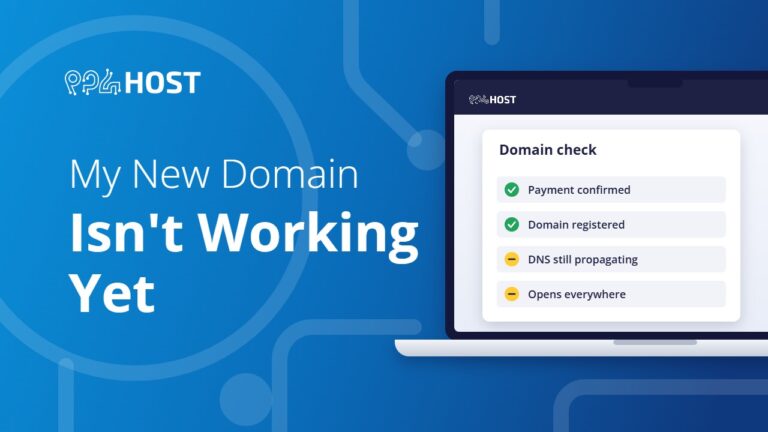
My New Domain Isn’t Working Yet: What to Check
How long a new domain or a DNS change takes to work, how to check it, and the usual reasons a domain still does…
-
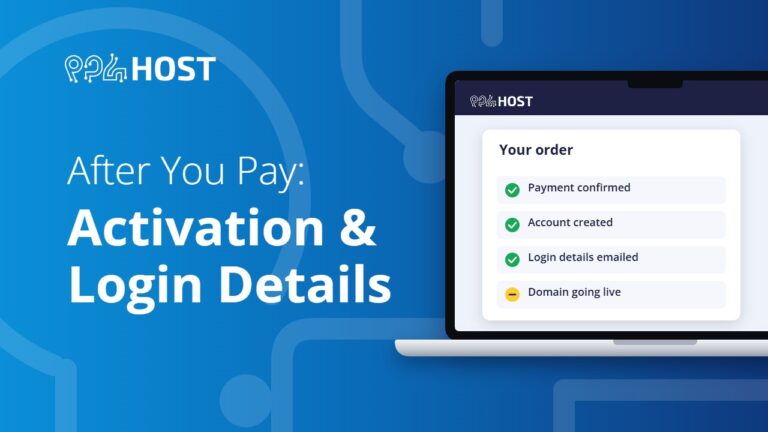
After You Pay: Activation and Login Details
How long activation takes after your payment is confirmed, which email address your cPanel or DirectAdmin login details are sent to, and what to…
-
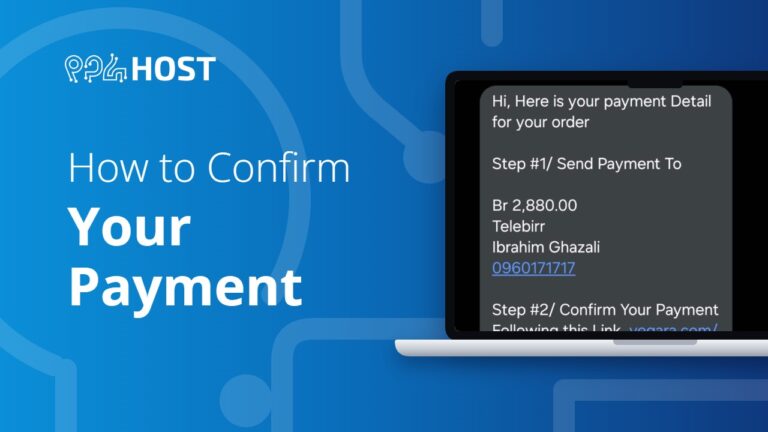
How to Confirm Your Payment
Confirm your payment yourself in about a minute: open the invoice link from our SMS or email, choose the bank you paid with and…
-
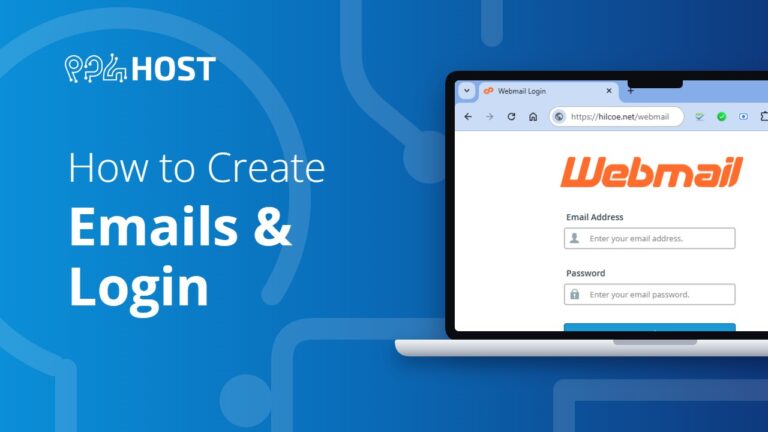
How to Create Email Accounts in cPanel and Log In to Webmail
Create a mailbox on your own domain in cPanel under Email Accounts, then read and send email from any browser through webmail.


