
Create mailboxes, set up MX and DKIM records, and send email reliably.
-
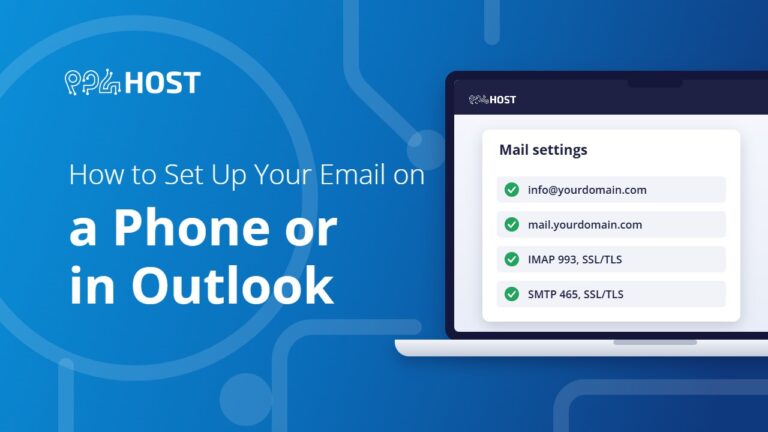
How to Set Up Your Email on a Phone or in Outlook
Add your domain email to Gmail on Android, iPhone Mail or Outlook: where to find the server settings in cPanel, why to choose IMAP,…
-
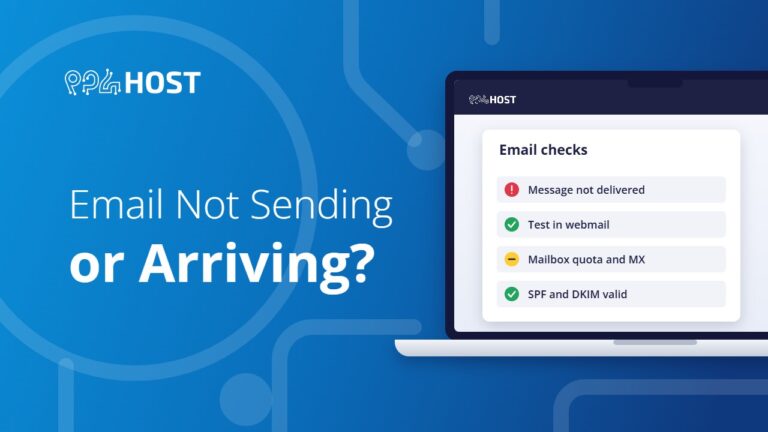
Email Not Sending or Arriving? Here Is What to Check
Fix email on your domain step by step: test in webmail first, then check the mailbox quota, MX records, sending limit, spam folder, SPF…
-

Ditch the @gmail.com: How to Set Up Professional Business Email in 3 Steps
Set up a professional email address on your own domain in three steps: register the domain, create the mailbox in your control panel, and…

-
How to Create an Email Account in DirectAdmin
Create a mailbox on your own domain in DirectAdmin: open Email Manager, click Create Account, choose the username and password, then log in through…
-
How to Enable DKIM in DirectAdmin
Turn on DKIM email signing for your domain in DirectAdmin in three steps from the E-mail Accounts menu, so your messages are trusted and…
-
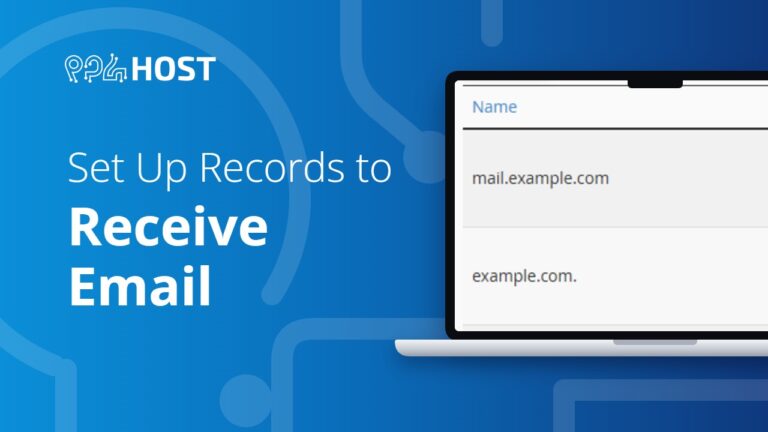
Set Up MX Records to Receive Email
If your website points to a VPS or another service, add an A record and an MX record so email still reaches the mailboxes…
-
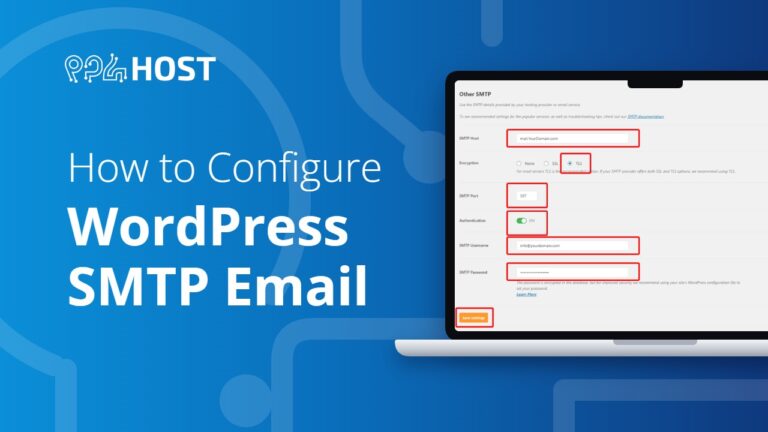
How to Configure WordPress to Use SMTP for Sending Emails
Stop WordPress emails landing in spam by sending them through authenticated SMTP instead of PHP mail.
-

How to Copy Email Accounts from One cPanel to Another
Move a mailbox and its old emails to a new cPanel account yourself: create the mailbox on the new cPanel, then copy the mail…
-
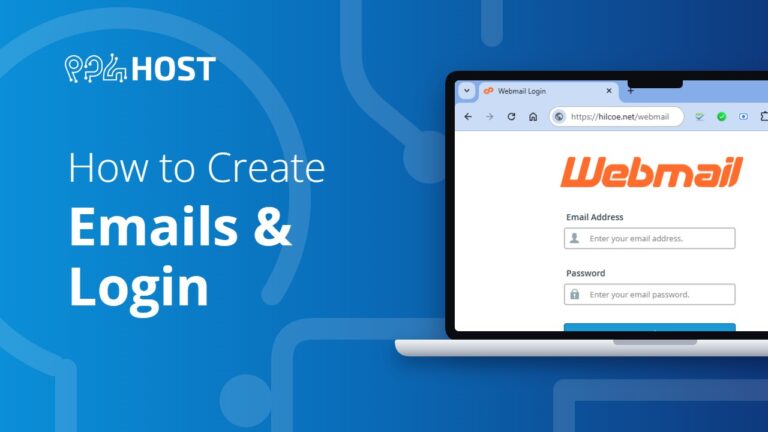
How to Create Email Accounts in cPanel and Log In to Webmail
Create a mailbox on your own domain in cPanel under Email Accounts, then read and send email from any browser through webmail.

