
Ibrahim Ghazali
-
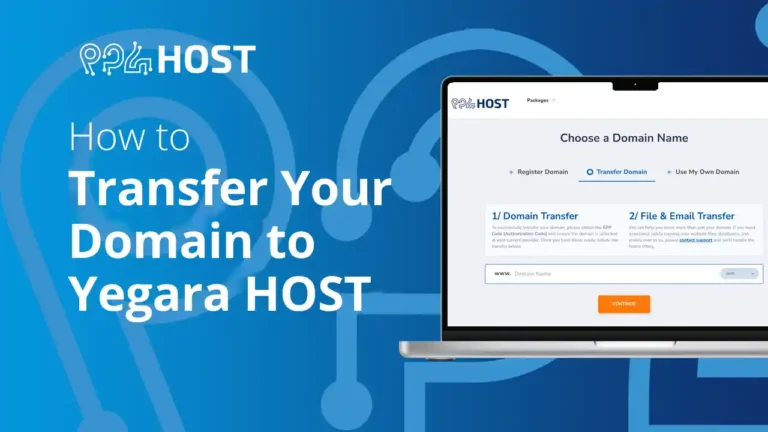
How to Transfer Your Domain to Yegara HOST
Move a domain you registered elsewhere to Yegara HOST: what to check first, how to unlock it and get the EPP code, how to…

-

Ditch the @gmail.com: How to Set Up Professional Business Email in 3 Steps
Set up a professional email address on your own domain in three steps: register the domain, create the mailbox in your control panel, and…
-
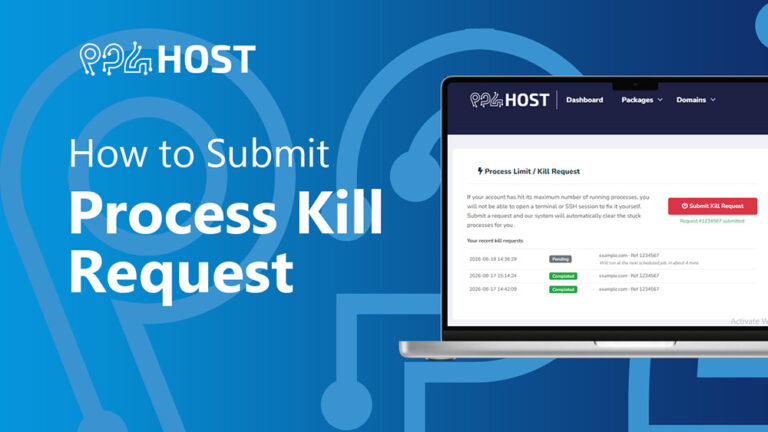
How to Submit a Process Kill Request
If your hosting account hits its process limit, you can clear the stuck processes yourself from the Yegara dashboard with a kill request. No…
-

Video Creator Rebate Program
Record a video tutorial or review of your Yegara service, share it with your audience, and get a 100% rebate on your hosting and…
-

1-Click Cloudflare: How to Manage Cloudflare from Your Yegara Dashboard
Turn on Cloudflare for your domain from the Yegara dashboard in a few clicks and keep its DNS records in sync with your hosting.
-

How to Disable the Cloudflare Proxy
Turn off Cloudflare’s proxy (the orange cloud) for a record to troubleshoot SSL problems, Error 522 or wrong content, then turn it back on…
-
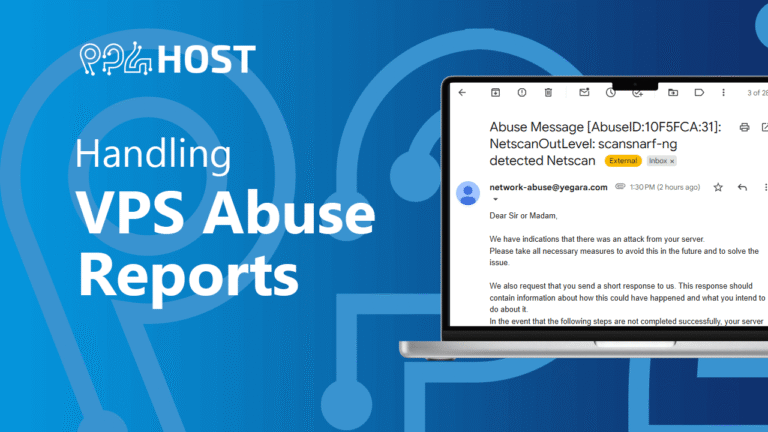
Handling VPS Abuse Reports
What happens when we receive an abuse report about your unmanaged VPS, such as DDoS, port scanning or malware, and what you must do…
-
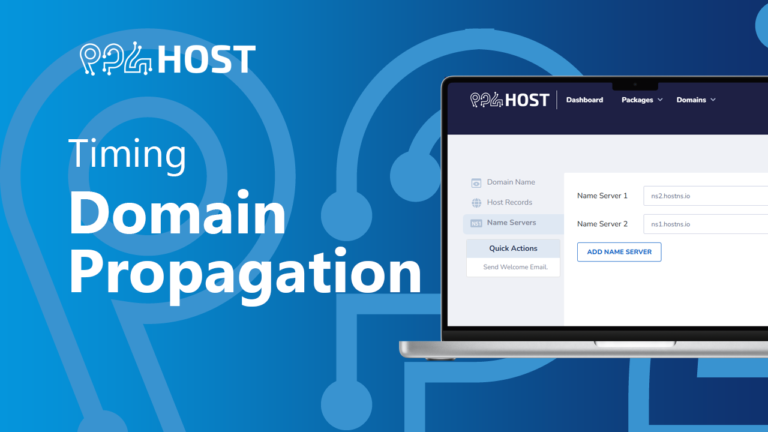
How Long Does Domain Propagation Take?
Nameserver and DNS changes usually take 24 to 48 hours to spread across the internet, though many visitors see them within a few hours.
-
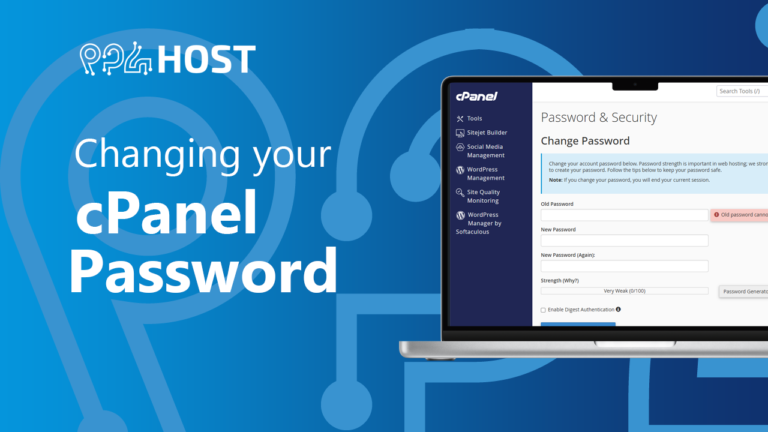
Changing Your cPanel Password
Change your cPanel password from inside cPanel under Password & Security, using your current password, and what to do if you forgot the old…