
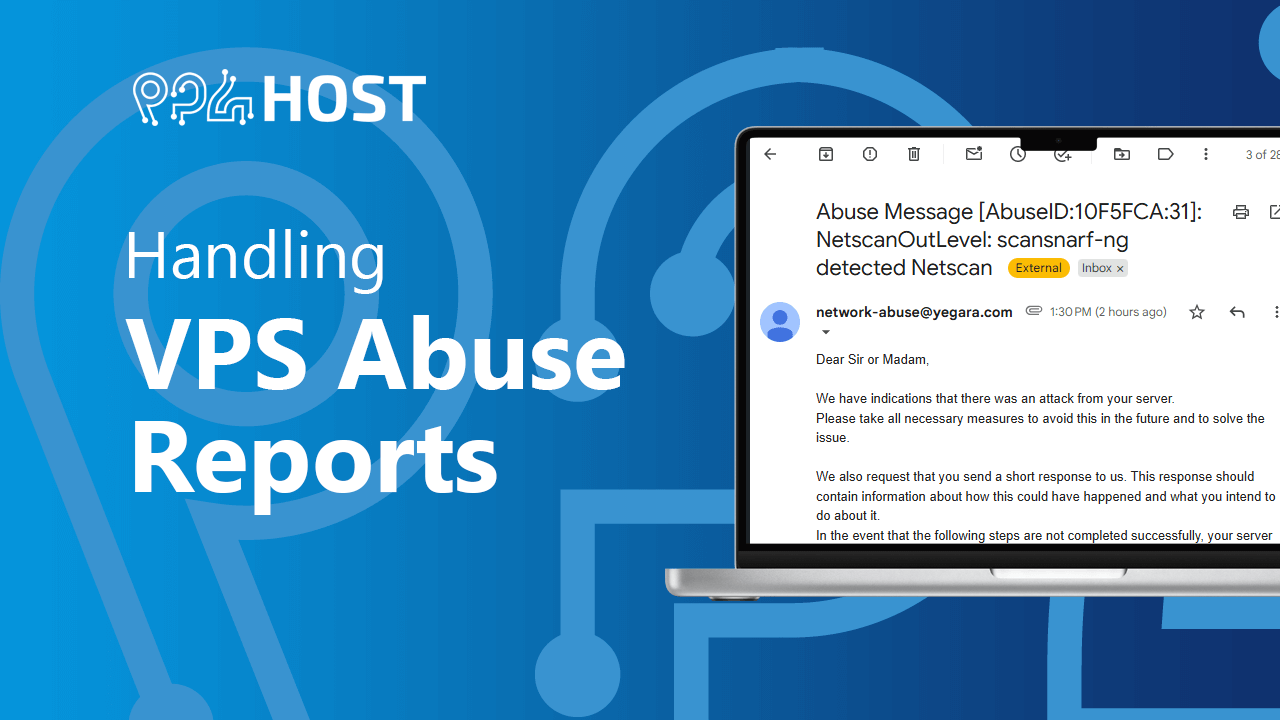
At Yegara Host, we take network security seriously. If we receive an “Abuse Report” regarding your unmanaged VPS (e.g., reports of DDoS attacks, port scanning, or malware), the data center requires immediate action.
Below is the step-by-step process of what happens and what you need to do to keep your server online.
1. Immediate Action: Server Suspension
When an abuse report is received, your VPS is automatically turned off to prevent further damage to the network and all outbound and inbound connection will be blocked . We will forward the original abuse report to your registered email address immediately.
2. Your Responsibility (The Investigation)
As an unmanaged VPS user, you are responsible for investigating the cause. Common causes include:
- Outdated software/frameworks (e.g., old versions of Next.js or WordPress).
- Weak root passwords.
- Insecure API endpoints.
3. How to Access Your Server to Fix the Issue
Since the network is blocked, you will not have standard internet access on the VPS. To help you investigate:
Boot / Turn on your VPS in your yegara account .
- Port 22 (SSH) is opened.
- Use the Web Console : You should be able to SSH to your VPS using the VNC console available in your yegara dashboard . https://yegara.com/en/guide/managing-your-vps/#ssh
- If the Server is “Hard-Locked”: If the deadline in the email has passed, the data center may lock the IP entirely. In this case, you must provide us with your Static Public IP address. We will whitelist your specific IP for 2 hours to allow you to log in.
4. The “Statement of Resolution” (Crucial)
The email you received contains a link/form. You must submit a statement to the data center via that link before the deadline. Your statement must include:
- The Cause: What allowed the attack to happen?
- The Fix: What steps did you take to stop it?
- Future Prevention: How will you ensure this doesn’t happen again?
Failure to provide a statement within the deadline will result in a permanent block of the sever by the data center.
Example Template:
- Cause: (e.g., Outdated Next.js version / Weak SSH password)
- Action Taken: (e.g., I have formatted the VPS and reinstalled a clean OS)
- Prevention: (e.g., Enabled automated security updates and moved SSH to a non-standard port)
5. Our Recommendation: Rebuild, Don’t Patch
If a hacker has gained enough control to launch attacks from your server, the machine is “compromised.” It is nearly impossible to find every “backdoor” or piece of malware hidden in the system.
- Best Practice: Back up your essential data (databases/files), Rebuild (Format) the VPS with a clean OS, and then migrate your data back into a hardened environment. learn how to Rebuild your VPS https://yegara.com/en/guide/managing-your-vps/#rebuild
- Permanent Termination: If a server is reported for abuse a second time for the same issue, the data center may permanently terminate the VPS without the possibility of recovery.
Summary Checklist
- [ ] Check your email for the Abuse Report and Deadline.
- [ ] Identify the vulnerability (check logs/software versions).
- [ ] Submit the formal statement via the link in the email.
- [ ] Rebuild the VPS for maximum security.
Once you are Sure you have resolved the issue or rebuilt your VPS, please contact support to adjust the status and lift outbound and inbound limitations
