
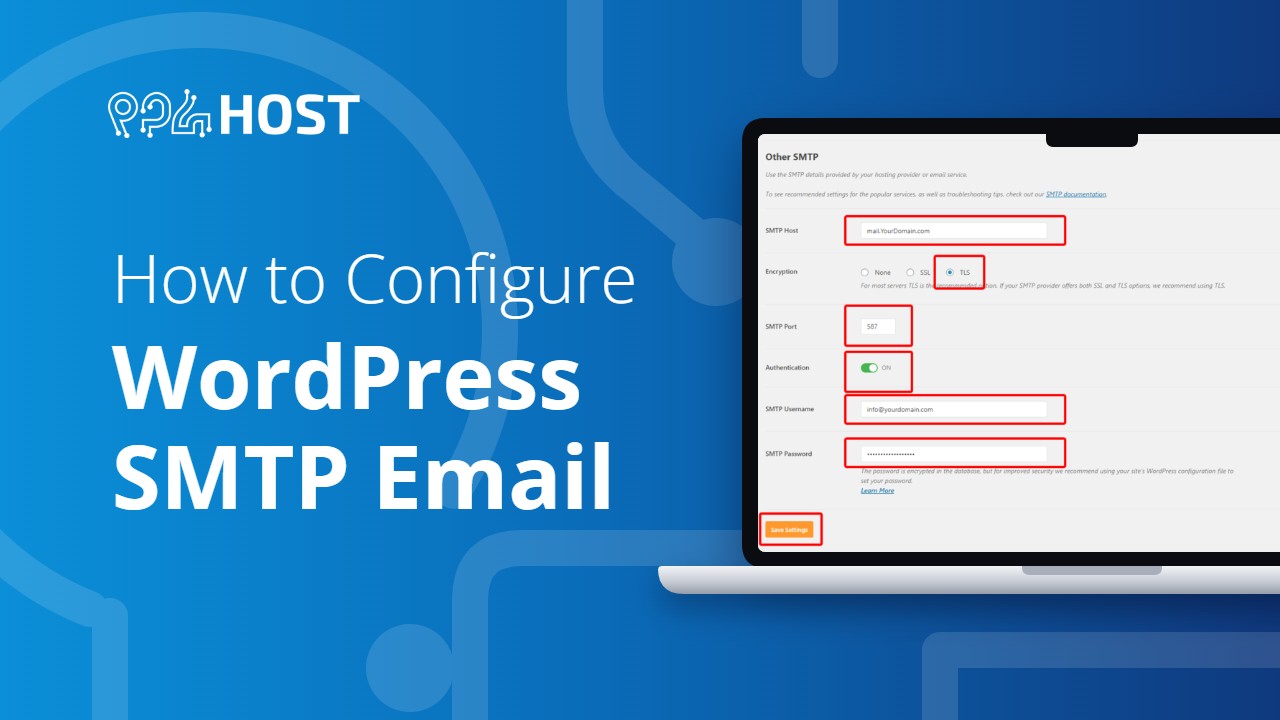
WordPress uses the wp_mail function to send emails via PHP mail, but it lacks authentication, which is why emails that you send via WordPress’s built-in PHP mail method often end up in spam or get server IP blacklisted.
All outbound mail is relayed via a premium delivery / SMTP service called ‘MailChannels’.This is designed to ensure the highest delivery rates possible in the hosting industry.
Important: When using PHPMail() instead of the recommended ‘SMTP’ for WordPress emails, your emails will not be relayed via MailChannels at all.
Follow these steps to enable SMTP on tour wordpress site.
1. Install and activate SMTP plugin
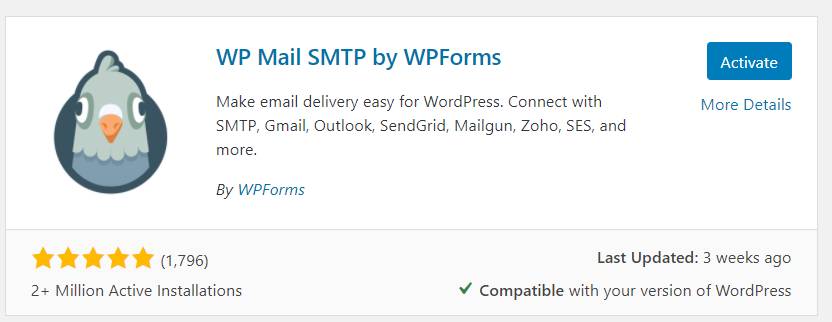
To begin, install a plugin named WP Mail SMTP .
2. Go to Settings
Once the plugin is installed and activated, a new menu will show up under the Settings section called WP Mail SMTP. Under it click on Settings.

3. Configure the plugin
On The setting Page Scroll down to “Mailer” section and select other SMTP

The SMTP details for your mail accounts can be found by logging in to cPanel, then going to…
Email Accounts -> ‘Connect Devices’
SMTP Host: mail.yourdomain.com
(replacing ‘yourdomain’ with your actual domain name)
TLS Port: 587
Username: Your email address
Password: The password to access the email address

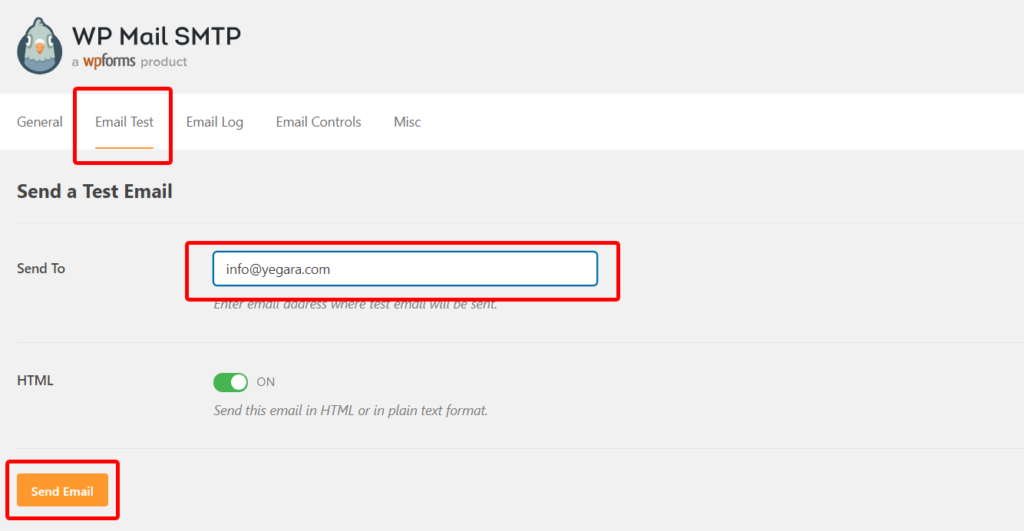
4. Test Your setting
That is it, Now you can test your email to see if your messages are getting delivered.


Leave a Reply