
DirectAdmin
Email, SSL and account settings in the DirectAdmin control panel.
-
How to Upload Your Website in DirectAdmin
Upload your website to Standard or free .pro.et hosting with the DirectAdmin File Manager: where the files go, why the home page must be…
-
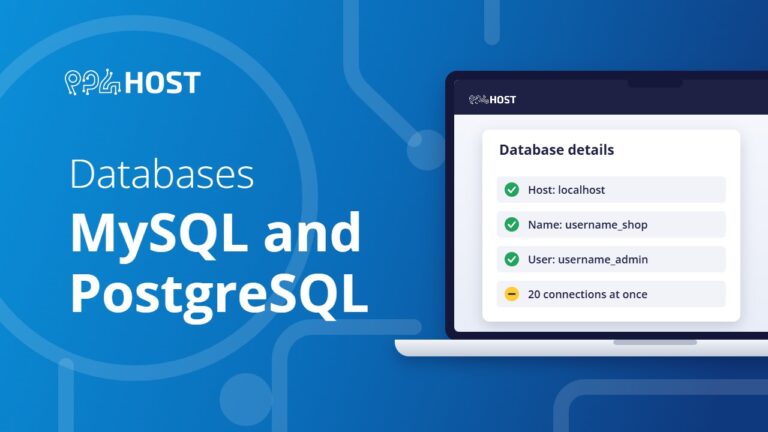
Databases: MySQL and PostgreSQL on Your Hosting
How many databases each Yegara plan includes, how to create a MySQL database and user, the connection details to use, importing with phpMyAdmin, the…
-

Backups and Restores: Recover Your Site, Files or Email
How to restore your site, files or email from the automatic backups, download your own copy, get your files back from an expired account,…
-

SSL and HTTPS: Get Your Free Certificate and Fix “Not Secure”
How the free SSL certificate works on Yegara hosting, how to issue it in cPanel or DirectAdmin, how to force HTTPS, and what to…
-

How to Log In to cPanel or DirectAdmin
Where your hosting control panel login is, how to open it from your Yegara dashboard, how to reset the panel password yourself, and why…
-
How to Install WordPress in One Click
Install WordPress on your hosting in about a minute with the Softaculous one-click installer in cPanel or DirectAdmin, and avoid the common “/wp” mistake.
-
How to Create an Email Account in DirectAdmin
Create a mailbox on your own domain in DirectAdmin: open Email Manager, click Create Account, choose the username and password, then log in through…
-
How to Enable DKIM in DirectAdmin
Turn on DKIM email signing for your domain in DirectAdmin in three steps from the E-mail Accounts menu, so your messages are trusted and…

-
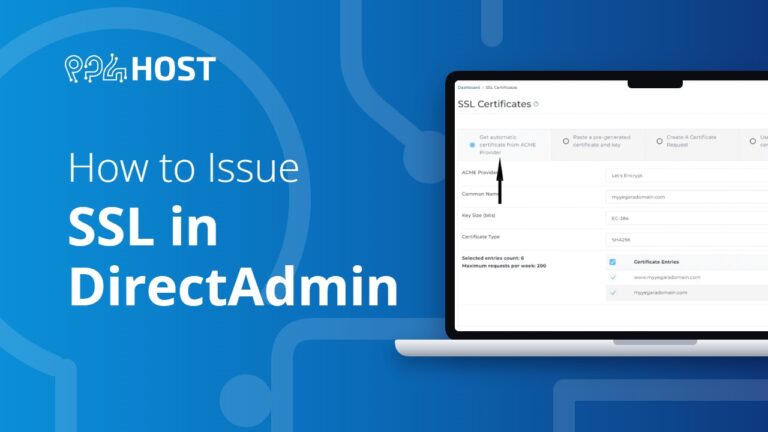
How to Issue SSL in DirectAdmin
Issue your free SSL certificate in DirectAdmin: open SSL Certificates, choose the automatic certificate from the ACME provider and save. It takes about a…


