-
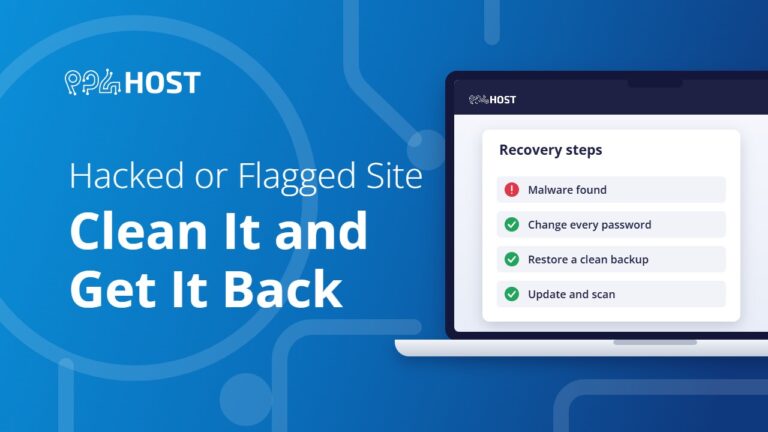
Hacked or Flagged Site: How to Clean It and Get It Back
What to do when your site is hacked, shows a browser warning or is suspended for malware: lock the account, restore a clean backup,…
-

SSL and HTTPS: Get Your Free Certificate and Fix “Not Secure”
How the free SSL certificate works on Yegara hosting, how to issue it in cPanel or DirectAdmin, how to force HTTPS, and what to…
-
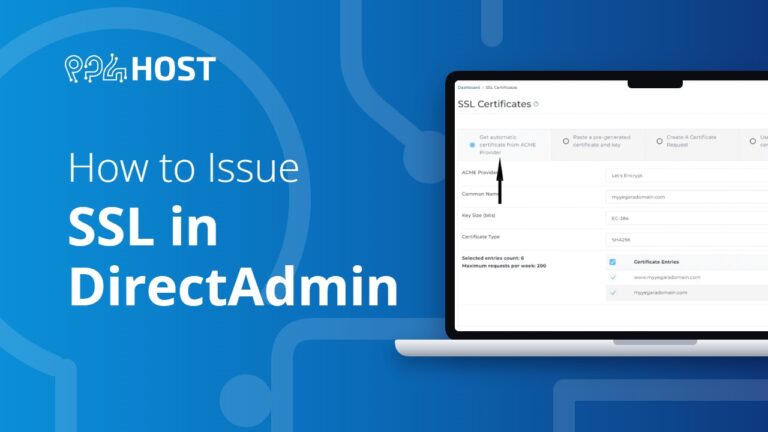
How to Issue SSL in DirectAdmin
Issue your free SSL certificate in DirectAdmin: open SSL Certificates, choose the automatic certificate from the ACME provider and save. It takes about a…

-

Secure Your WordPress Website: The Complete Guide
How to protect your WordPress site from common security threats, and how to recover if it has been hacked.
-

How to Create a Temporary Login for WordPress (No Passwords)
Give a developer temporary access to your WordPress admin area without creating a permanent account or sharing a password.
-
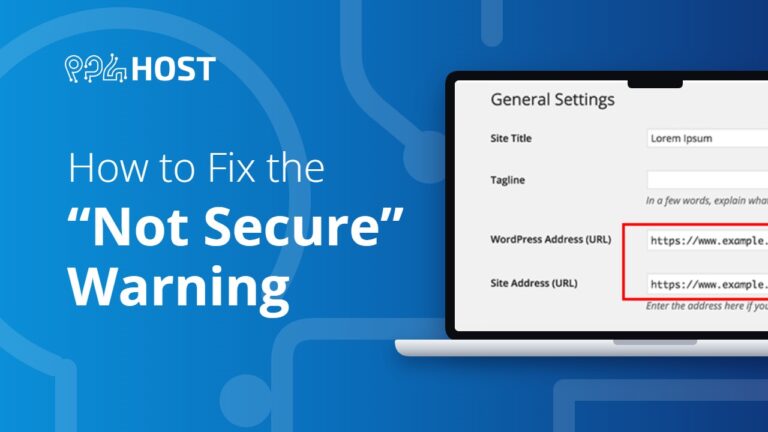
How to Issue an SSL Certificate and Fix the “Not Secure” Warning
Run AutoSSL in cPanel to get your free SSL certificate, then force HTTPS in WordPress, .htaccess or cPanel to remove the Not Secure warning.
-
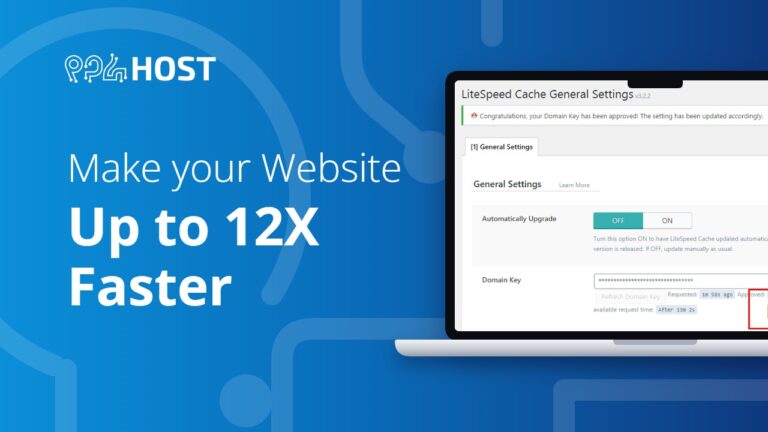
Optimize Your Website: Up to 12X Faster
A practical guide to speeding up your website: test its current speed, then apply our recommended optimizations.
-
How to Reset Your cPanel Password
Forgot your cPanel or DirectAdmin password? Set a new one from your Yegara dashboard without the old one: Hosting & Services, Manage, Click To…

