
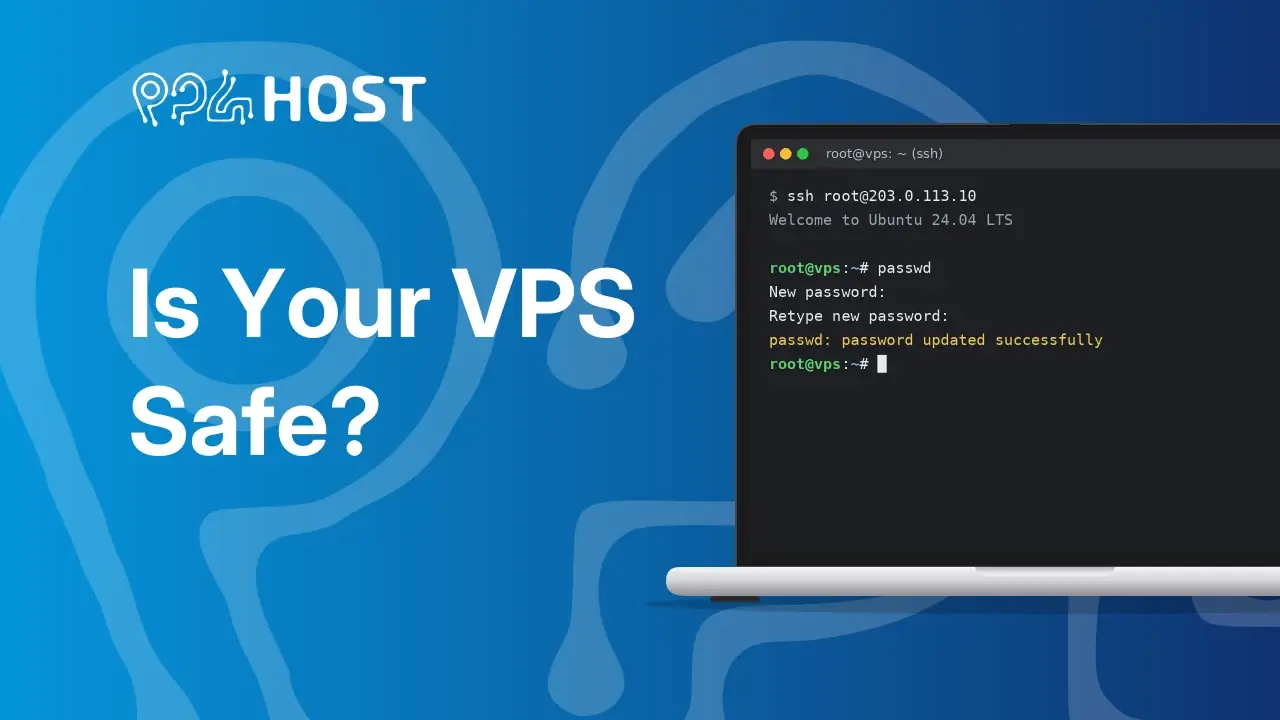
Every server on the internet is under attack, all day, every day. That isn’t because anyone picked you out: automated bots scan millions of IP addresses and try thousands of common passwords on every SSH login they find.
If your server uses a weak or reused password, a bot can get in within minutes. Once it’s in, it usually installs malware that:
- uses your server to attack other servers
- mines cryptocurrency on your CPU
- steals your website files, database passwords and API keys
The data center can then block your server for abuse, which takes your site or app offline.
The one thing to do today: use a strong root password
- Log in to your VPS over SSH or through the console.
- Run:
passwd - Choose a new password that:
- is at least 16 characters long, with letters, numbers and symbols
- isn’t used for any other account
- isn’t a word, name, date or simple pattern (like “Admin@2026”)
A password manager makes it easy to create and store one.
Want us to check the rest?
For a limited time, Yegara Host VPS clients can get a free basic security check of their server: SSH logins, signs of a break-in, open ports, outdated software, databases and basic protection.
Staying safe online takes a few simple steps, and we’re here to help with each one.
Related: Getting Started with Your VPS · Contact Yegara HOST
