
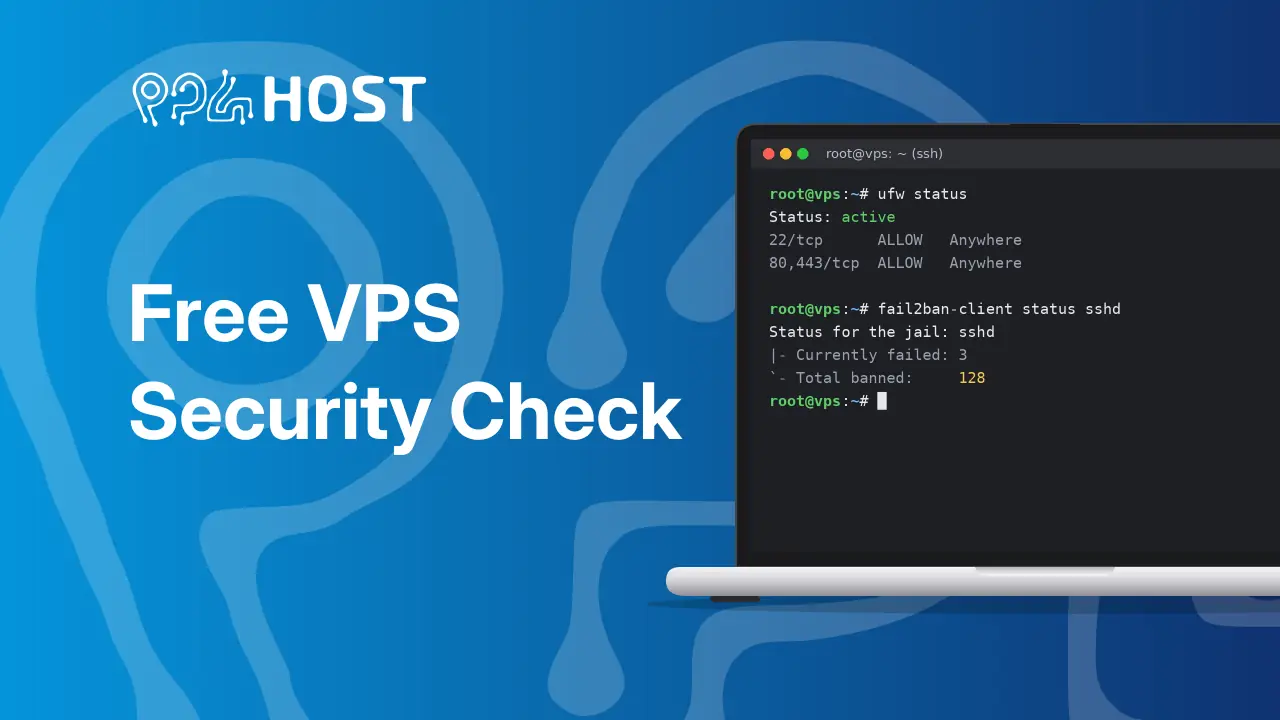
Automated bots try to break into every server on the internet, all day, every day. To help you find weak spots before they do, we’re offering a free basic security check of your VPS for a limited time.
Our VPS plans are unmanaged, so securing your server is normally outside our service scope. But simple things are easy to overlook, and they can cause harm to you and to others.
What we check
With your permission, our team will check:
- SSH login security: whether root and password logins are open to the whole internet, and who has SSH keys on the server
- Signs of a break-in: suspicious logins, unknown processes, hidden files and scheduled tasks often used by malware
- Open ports: services that are reachable from the internet but shouldn’t be
- Outdated software: system packages with pending security updates or known vulnerabilities
- Databases (MySQL, MariaDB, PostgreSQL): whether the database is reachable from the internet, weak or empty passwords, remote root access and unused default accounts
- Basic protection: whether a firewall and brute-force protection (like fail2ban) are in place
You’ll get a short, plain-language report listing anything we find and how to fix it. We won’t change anything on your server.
This is a basic health check that catches the most common problems. It isn’t a full penetration test.
How to request your free check
- Log in to your Yegara dashboard and open your VPS.
- Open the built-in web console and log in to your server. Do this before you request the check: a request from a VPS that has not been logged in to through the web console is rejected.
- On the same page, under Free Security Check, click Request Check. Tick both boxes and click Request Security Check. Submitting the request gives us permission to check your server.
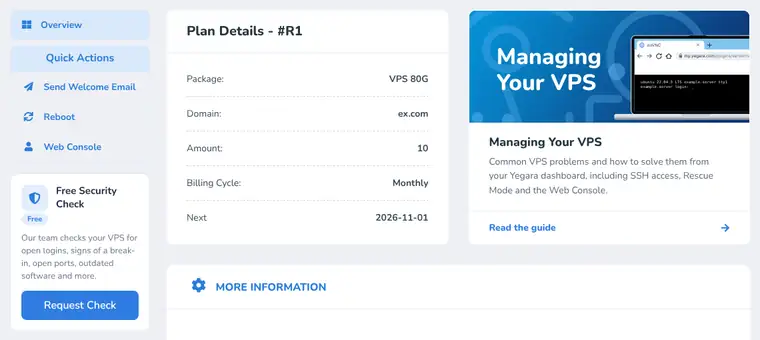
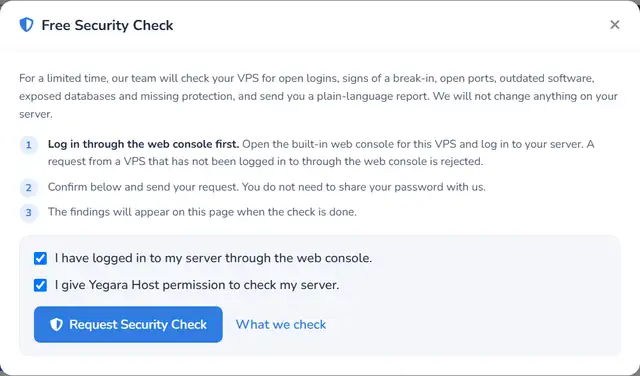
You don’t need to share your password with us.
After you send the request
The Free Security Check card shows Submitted while our team reviews your server.

When the check is done, open the card again to read the findings and how to fix each one.
While you wait, there’s one thing you can do today: set a strong root password.
Staying safe online takes a few simple steps, and we’re here to help with each one.
Related: Getting Started with Your VPS · Contact Yegara HOST
