
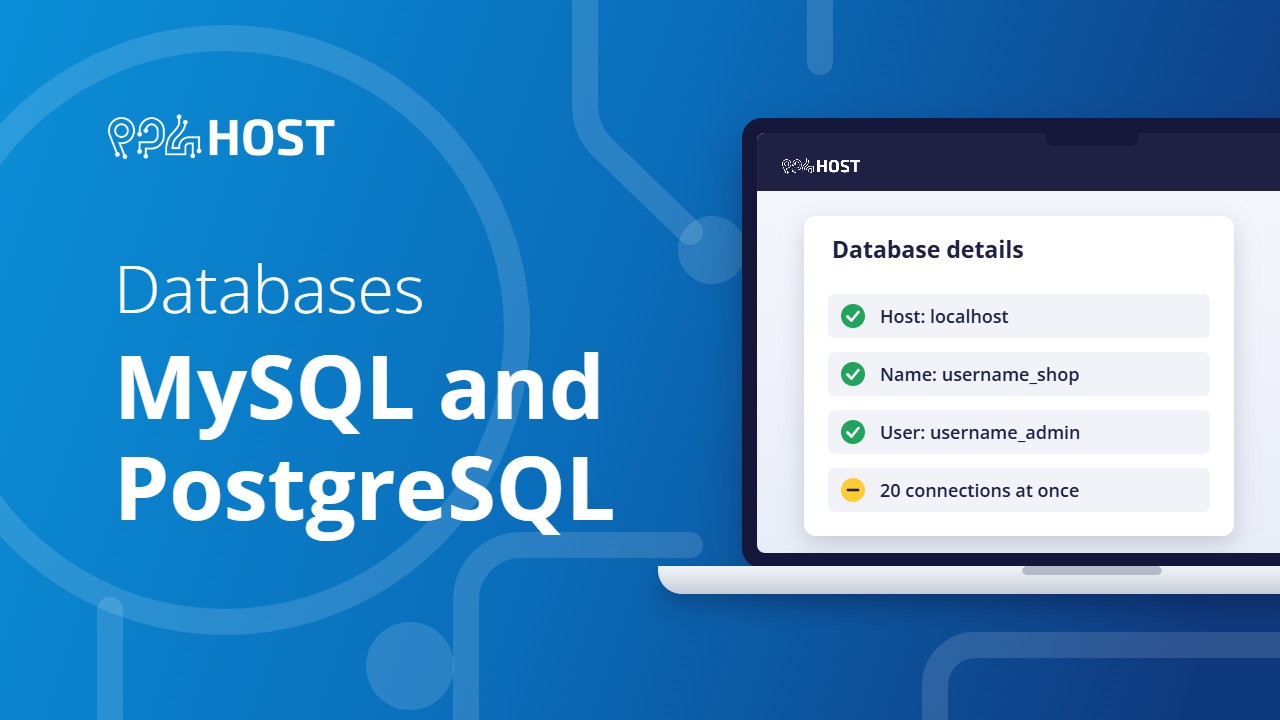
Most websites need a database. Here is what each plan includes, how to create one, the details your site needs to connect, and the limits to know about.
On this page
What each plan includes
| Plan | MySQL databases | PostgreSQL |
|---|---|---|
| Free .pro.et hosting | None | No |
| Standard (DirectAdmin) | 1 | No |
| Premium (cPanel) | Unlimited | On some servers only |
| VPS | You install and manage any database yourself | |
Create a MySQL database
In cPanel (Premium):
- Open MySQL Databases, or Manage My Databases on newer versions.
- Create the database.
- Create a database user with a strong password.
- Add the user to the database and tick All Privileges.
The steps with screenshots are in How to Create a Database and Import an SQL File in cPanel.
In DirectAdmin (Standard): open Account Manager, then Databases, and click Create Database. DirectAdmin creates the database and its user together.
The details your site needs
| Setting | Value |
|---|---|
| Host | localhost |
| Database name | The full name with its prefix, for example username_shop |
| User | The full user name with its prefix, for example username_admin |
| Password | The password of the database user, not your control panel password |
| Port | 3306 for MySQL |
The control panel adds your account username in front of every database and user name. Leaving that prefix out is the most common reason for an “Access denied” error.
Import or export with phpMyAdmin
- Import: open phpMyAdmin, click the database in the left column, open the Import tab, choose your
.sqlfile and click Import. - Export: click the database, open the Export tab and click Export. Keep the file as your own backup.
- “No database selected” during import: you did not click the database name first.
- A very large file fails to upload: compress it as
.sql.zipor.sql.gzand import that.
The connection limit
Each hosting account can hold 20 database connections at the same time. This is not a limit on how many databases you have. When your site goes over it, visitors see “Too many connections” (MySQL error 1040) until connections close.
- Close each connection when the code is done with it.
- In Node.js or Python apps, use a connection pool with a small size.
- Fix slow queries, because a slow query holds its connection open longer.
The limit cannot be raised on shared hosting. An app that needs more should move to a VPS.
PostgreSQL
- PostgreSQL is available on some Premium servers only. If your cPanel shows PostgreSQL Databases in the Databases section, your server has it.
- It is version 13.
- Extensions such as PostGIS or btree_gist cannot be added.
- It accepts connections from your own hosting account only, not from outside.
If you need PostgreSQL, ask us before you order so we can tell you whether it will be available. For PostgreSQL 15 or newer, extensions or remote access, use a VPS.
MongoDB, Redis and SQL Server
These are not available on shared hosting. For MongoDB, connect your app to an outside service such as MongoDB Atlas, or run it on a VPS. Microsoft SQL Server is not offered on any plan.
