
Category: How To
-
How To Manage your DNS Using cloudfalre
1/Add Your Site 1.1 create cloudflare account Cloudflare offers a wide range of benefits for websites and online applications, primarily focusing on CDN , DNS Management , performance, security, and reliability. https://dash.cloudflare.com/sign-up 1.2 Click on add a domain OR click on + add > connect a domain 1.3 Add your domain and continue 1.4 Select…
-
How to fix 404 not found problem
Welcome to Yegara.com, your reliable hosting partner in Ethiopia and beyond! If you’ve landed on this article, you’re likely dealing with one of the most common web issues: the 404 Not Found error. Don’t worry — this is a normal part of running a website, and it’s usually easy to fix once you know the…
-
How to Edit Your Information for Developer Listing
At Yegara HOST, we specialize in domain and hosting services . We don’t provide design or development. However, to help our clients, we maintain a comprehensive list of active developers at yegara.com/design Below we will show you how you can get your service listed . 1/Add your Website In your yegara account , edit your…
-
How to log in to WordPress using Softaculous
1. Log in to your cPanel or Directadmin 2. Search or locate the ‘Softaculous App Installer’ menu 3. Navigate to Installations menu 4. click on ‘login as admin“ This will let you in as your WordPress dashboard
-
Set up email records To Receive email
An MX record tells where to deliver email that is sent to your domain. If you are pointing your domain to a VPS or other service and want to use the email provided with your cPanel, you will have to set MX record to receive emails . 1/ login to your DNS Manager . If…
-
How to Increase Maximum Upload File Size via cPanel
To increase the upload file size in cPanel, go to Select PHP Version under the Software section. Click Options, then scroll down to adjust upload_max_filesize, post_max_size, memory_limit, max_execution_time, and max_input_time.
-
How to upload your website files to your cpanel using file manager and FTP
Are you wondering how you can upload your website files to your cpanel and dont know how?we got you covered simply follow our step by step guide and if you cannot make it contact our support Team 1 Login to your cpanel and select file manager from the files Tab 2 After clicking it you…
-
How to fix”There has been a critical issue on this website”problem in wordpress
As wordpress is one of the most popular content managment system in the world,there are many ways of getting this error and don’t panic it is completely easy to fix if you read this article and follow the steps. wordpress is an open source cms platform where anybody interested person can contribute to the development…
-
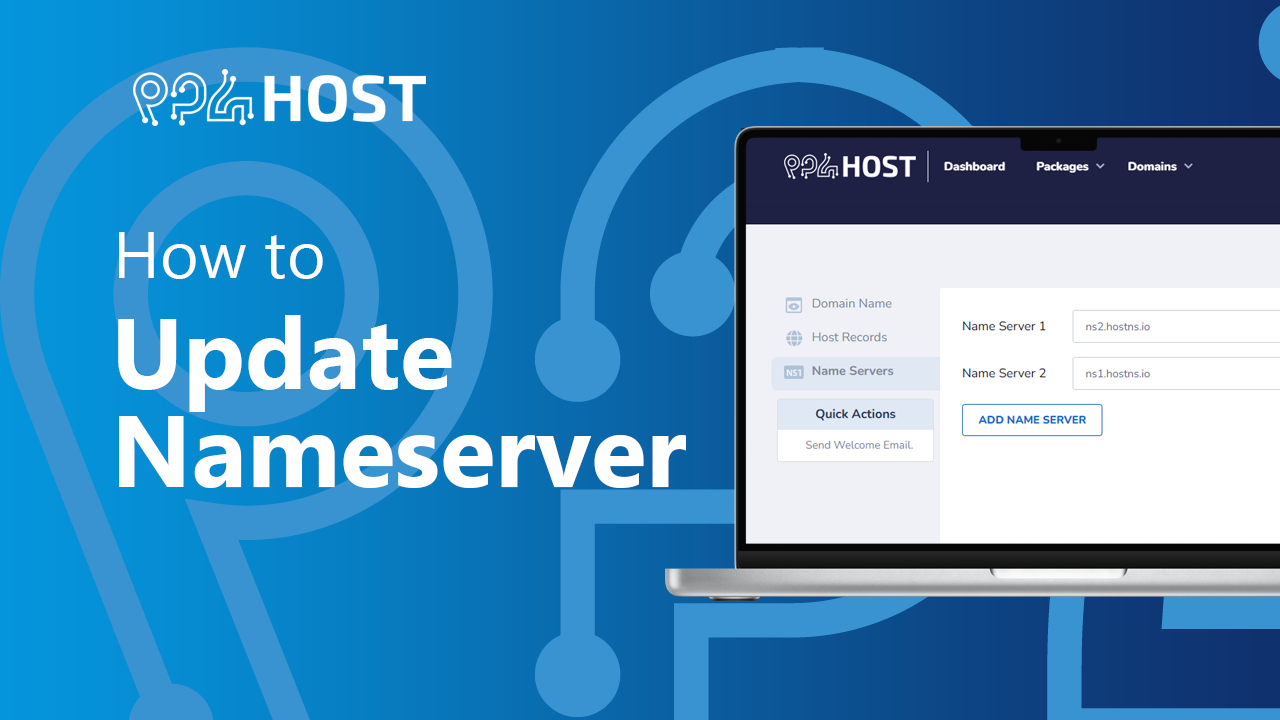
Update Nameserver
If you need to Point your domain name to a Service , Yegara gives you the option to do so using nameservers. If the service you are trying to point it to does not have nameserver option, you can point your domain to cloudflare ( free ) to manage your DNS records ( A, CNAME…