

Forgot your WordPress password, or want a faster way in? If WordPress was installed with Softaculous, you can open your WordPress dashboard straight from your control panel, without typing the WordPress password.
Log in from your control panel
Step 1. Log in to cPanel or DirectAdmin.
Step 2. Open Softaculous Apps Installer. If you do not see it, type “Softaculous” in the search box of the control panel.

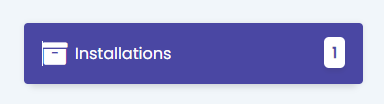
Step 3. Click Installations.
Step 4. Find your site in the list and click Login as admin.
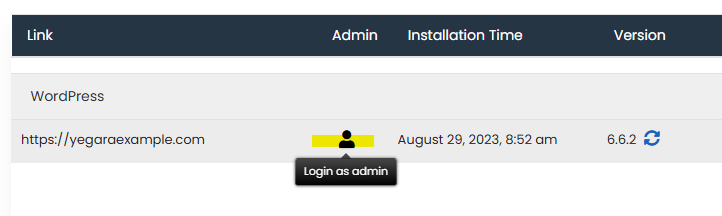
Your WordPress dashboard opens in a new tab, already logged in.
If your site is not in the list
Softaculous lists only the sites it installed. A WordPress site that was uploaded by hand or moved from another host does not appear there. In that case, use Lost your password? on the WordPress login page, or see WordPress Troubleshooting: Get Back In and Fix Common Problems.
