
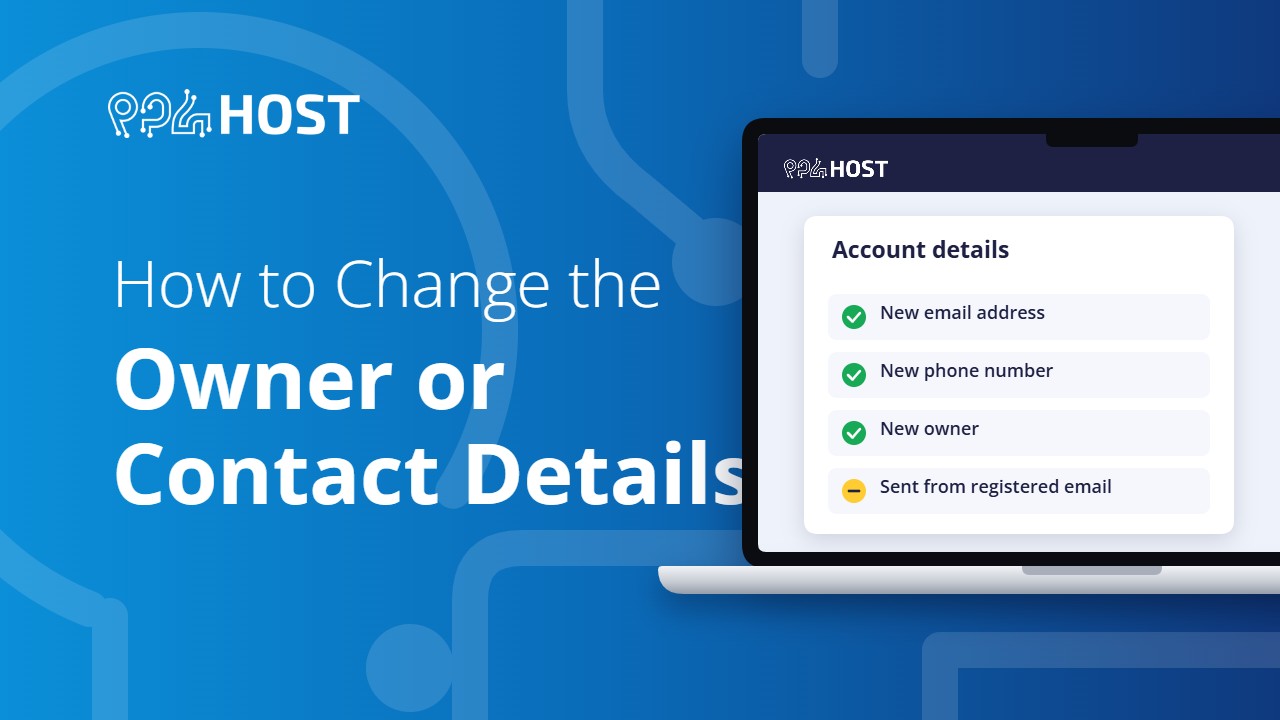
The email address and phone number on your account control who receives invoices, renewal notices and login details. For security, they cannot be changed from a chat message alone. Here is how to request a change.
On this page
📘 The rule
Every request must come from the email address or phone number currently registered on the account. That is how we know the request is from the owner.
Update your own email or phone number
Send an email to [email protected] from your registered address, or an SMS to 0960 17 17 17 from your registered phone, with these details:
Subject: Update Contact Information
Domain:
New Email:
New Phone:
Transfer a domain or package to a new owner
To hand a domain or hosting package to another person or company, send this from the registered email or phone:
To: [email protected]
Subject: Request for Ownership Transfer

Domain/Service:
New Owner Name:
New Owner Email:
New Owner Phone:
Use the same request if you only want one of your domains to send its notices to a different email and phone number.
You no longer have the registered email
- You still have the registered phone: send the request by SMS from that phone to 0960 17 17 17.
- You have neither, for example because a former employee or developer registered the account: contact us on Telegram with the domain name and explain the situation. Our team has to verify that you own the domain before anything is changed, so this takes longer.
After you send the request
Our team checks that the request came from the registered contact and then makes the change. We confirm once it is done.
Tip for companies
Register your domain with an email address and phone number that belong to the company, not to one staff member or an outside developer. It saves you from this problem later.
