
Here is how you can pay a Yegara HOST invoice, where the account details are, and what to do if you cannot open the invoice page.
On this page
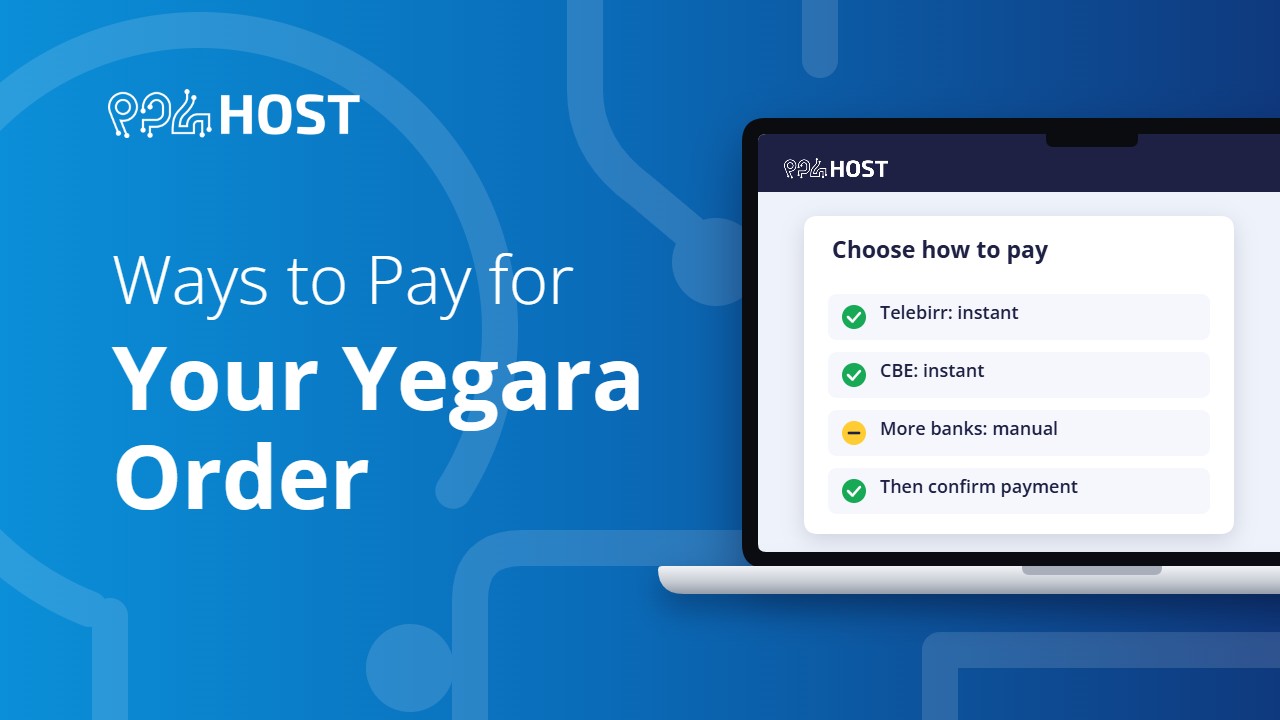
Accepted payment methods
- Telebirr, with instant activation.
- CBE (Commercial Bank of Ethiopia), with instant activation.
- More Banks, with manual activation. This takes longer because our team checks the payment by hand.
We do not accept cash at the shop or cheques.
Where the account details are
- Open the invoice link from the SMS or email we sent you.
- Under “Select a bank below, Make your Payment and Confirm”, click the method you want.
- The page shows the exact amount and the account or Telebirr number to pay.
Three rules that avoid delays
- Use the same bank. Pay Telebirr from Telebirr and CBE from CBE. A transfer from another bank is not accepted for instant activation.
- Pay the exact amount shown on the invoice.
- Confirm the payment yourself on the invoice page afterwards. The transfer alone does not activate your order. See How to Confirm Your Payment.
Free .pro.et hosting
The free plan needs a small verification payment. It must be made with Telebirr; CBE is not accepted for it.
If you are abroad, or the invoice page will not open
- The invoice page only opens from inside Ethiopia. Turn off any VPN and try again.
- If you see “Forbidden”, restart your modem or router to get a new IP address, or try mobile data.
- If you are outside Ethiopia, message us on Telegram with your domain name. Once you have paid, send the receipt and we will process it for you.
Receipts
Need an official receipt in your company name? See How to Get an Official Receipt (TIN Invoice).
