
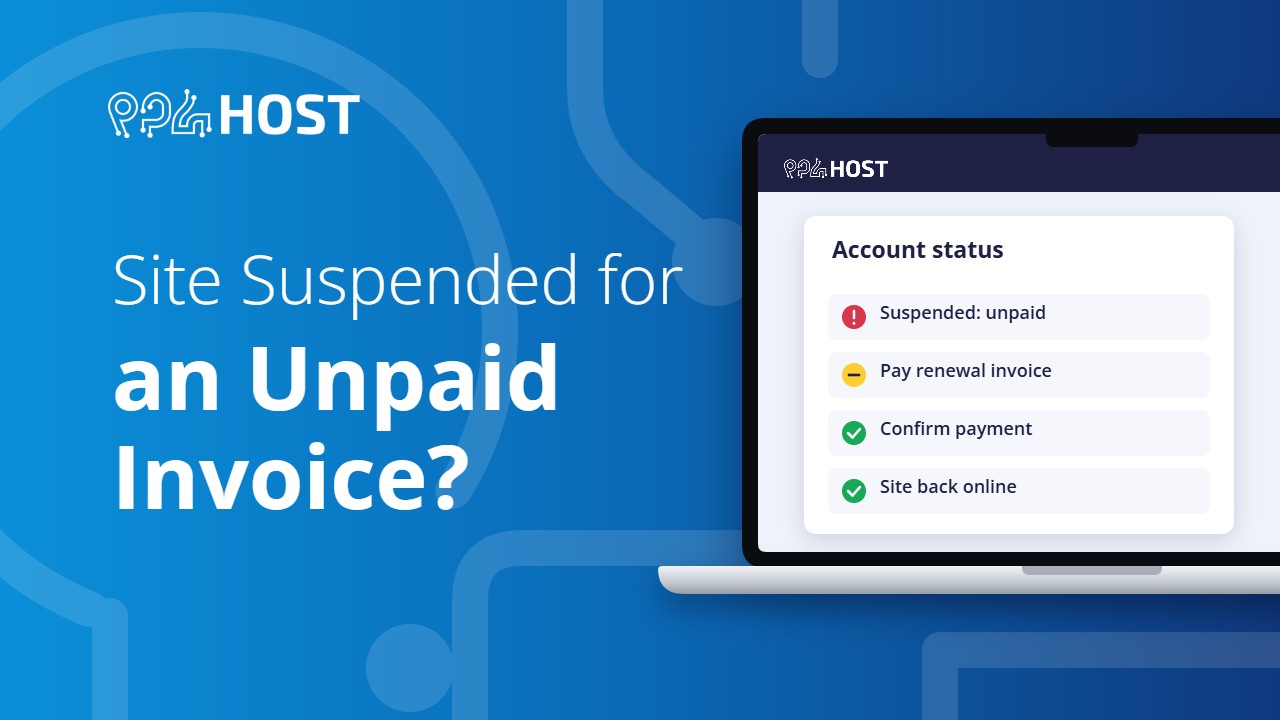
If your website suddenly shows an error and a renewal was due, your hosting may have been suspended for non-payment. Here is how to check and how to get it back.
On this page
How to recognise a billing suspension
- Your site shows a 403 Forbidden page for everyone, not only for you.
- You received renewal notices by SMS or email in the last few weeks and the invoice is still unpaid.
- The hosting expired more than 3 days ago. Hosting is suspended 3 days after its expiry date.
If the site shows a registrar “expired” page instead, it is the domain that expired. See What Happens When a Domain Expires.
Get your site back
- Open your renewal invoice from the link in the renewal SMS or email. You can also find it in your Yegara dashboard under Billing, then My Invoices. If you still cannot find it, see How to Renew Your Hosting or Domain.
- Pay it by Telebirr or CBE.
- Submit your transaction number on the invoice page. See How to Confirm Your Payment.

How fast it comes back
Renewal payments are approved by our team, normally within 24 hours. Once approved, the account is unsuspended automatically, usually within an hour. You do not need to ask us to switch it back on.
What happens while it is suspended
- Your website does not open.
- Email accounts on that hosting stop working.
- You cannot log in to the control panel.
Renew as soon as you can. We cannot promise how long the files of an expired account are kept.
It is paid, but the site is still down
- Check that you submitted the transaction number. A transfer alone does not renew the service.
- Allow up to an hour after the payment is approved.
- If it is still down after that, send us your domain name and invoice number on Telegram.
Want the site off on purpose?
We only suspend accounts for billing or abuse reasons, not on request. To take your own site offline for a while, remove the index page in your control panel or remove the domain’s A record.
