
At Yegara HOST, we specialize in domain and hosting services . We don’t provide design or development. However, to help our clients, we maintain a comprehensive list of active developers at yegara.com/design
Below we will show you how you can get your service listed .
1/Add your Website
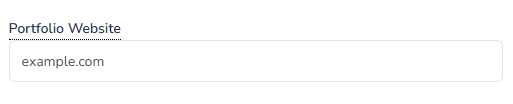
In your yegara account , edit your profile and add your website
2/ Include Meta Tags
We use Meta tags to scrap the information about your service for the listing. this are the necessary Meta tags in your website:
- og:image and/or og:logo
- og:site_name
- og:title
- og:description
For more information about Meta tags visit https://ogp.me/
Telegram LINK: If you need to link to your telegram, simply add your telegram t.me link anywhere in your website .
3/ Test your Listing
To preview and make sure your listing looks good, test it using the following preview URL, replace example.com with your own domain
https://yegara.com/design?domain=example.com
You are Done!
Your listing will be included and updated every 24hrs for any changes. If your listing is missing, make sure you have included all the Meta tags.