
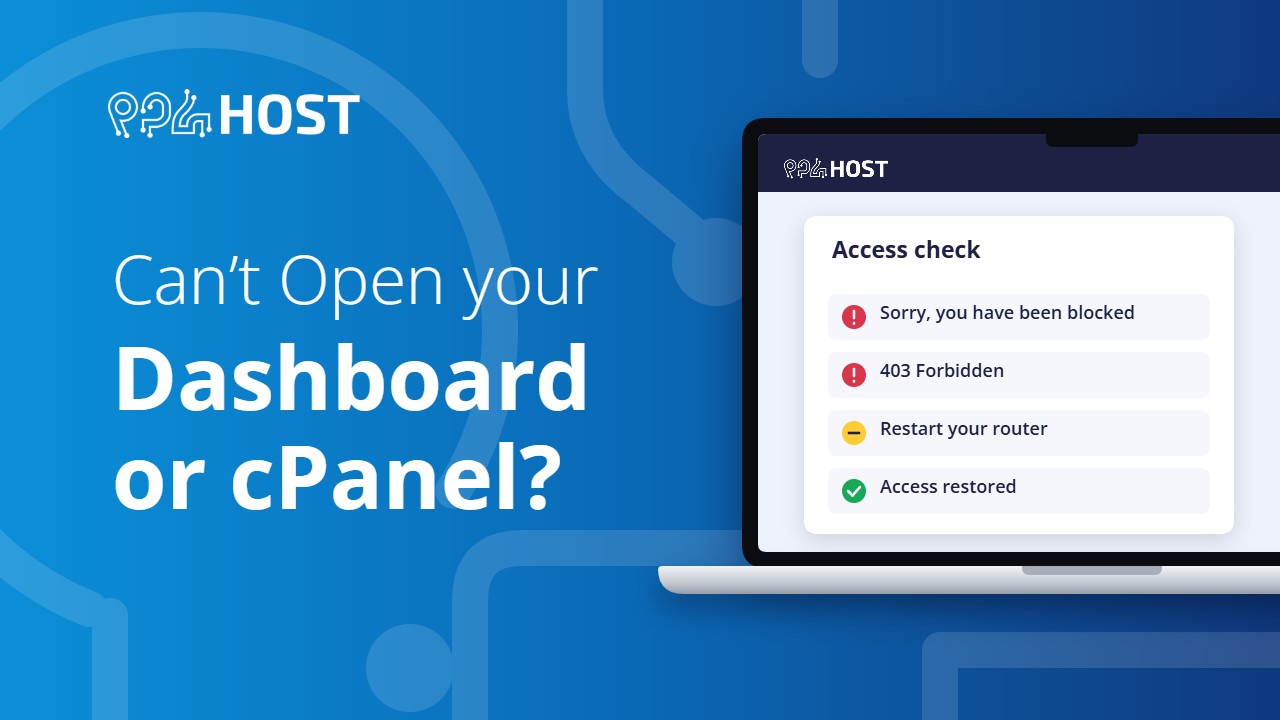
If yegara.com, your Yegara dashboard or your control panel will not open, the message on the screen tells you why. Find yours below.
On this page
“Sorry, you have been blocked”
This page appears when you open yegara.com or the dashboard from outside Ethiopia, or through a VPN. The Yegara dashboard and order pages only open from inside Ethiopia.
- Using a VPN? Turn it off and reload the page.
- Abroad? You can still open your control panel directly with the server link from your welcome email. For orders, renewals and payments, message us on Telegram and we will handle them for you.
“Forbidden” or 403 on the dashboard
A plain “Forbidden” message on my.yegara.com means your IP address is blocked. Get a new IP address:
- restart your modem or router, so Ethio Telecom gives you a new IP; or
- on a phone, turn airplane mode on and off; or
- try another connection, such as mobile data.
Then open the page again.
cPanel or your website opens for others but not for you
If the page times out or shows a connection error only on your network, the server firewall has blocked your IP address. A quick test: open the same page on mobile data. If it works there, it is your IP.
Restart your modem or router as described above. In most cases that is enough.
Still blocked? Ask us to unblock your IP
Send us these details on Telegram or at [email protected]:
- your public IP address (open whatismyipaddress.com to see it);
- the address that does not open;
- the exact error message and the time it happened;
- the network you are on (home Wi-Fi, office, mobile data).
If it is something else
- yourdomain.com/cpanel does not open: see How to Log In to cPanel or DirectAdmin and Reset Its Password.
- Your new domain does not open for anyone: see How Long Does Domain Propagation Take?
- Your site shows 503 or “unable to fork”: see Resource Limits and Stuck Processes.
