
On Premium hosting you can run more than one website from the same account. A subdomain is an extra address on your domain, such as blog.yourdomain.com. An addon domain is a second domain with its own website. Both are added from the same page in cPanel.
Add the subdomain or addon domain
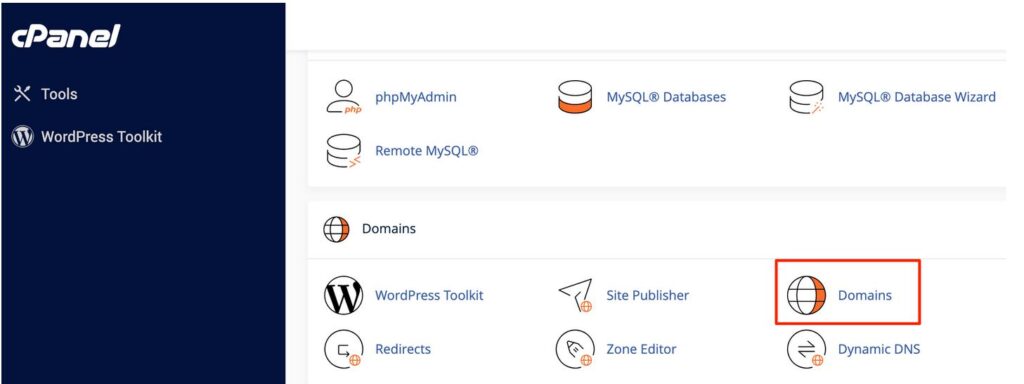
Step 1. Log in to cPanel, scroll to the Domains section and click Domains.
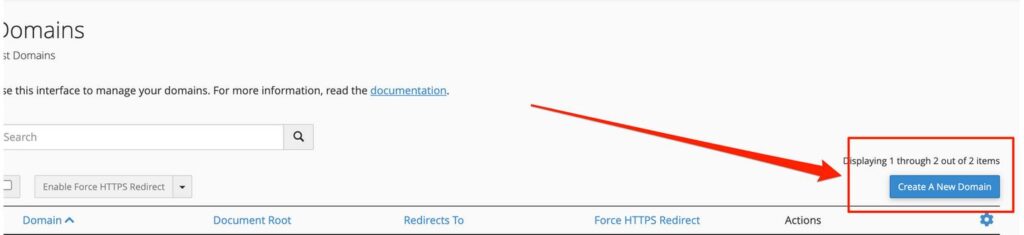
Step 2. Click Create A New Domain.
Step 3. Type the name. For a subdomain, type the full address, for example blog.yourdomain.com. For an addon domain, type the new domain, for example secondsite.com. Untick Share document root, then click Submit.
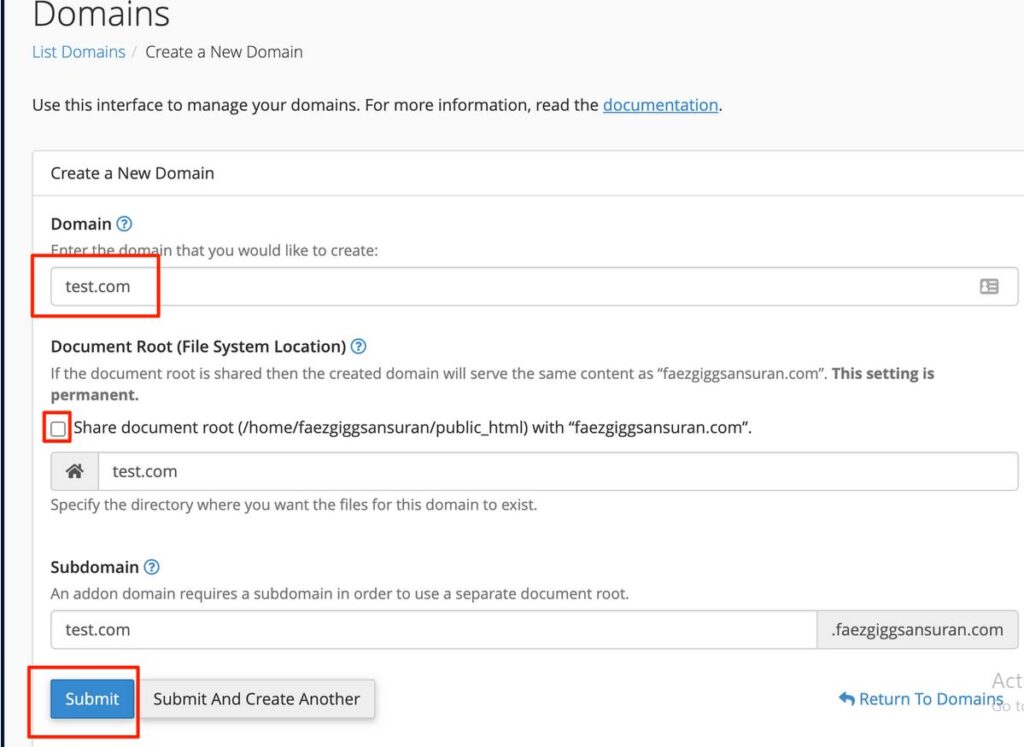
📘 About “Share document root”
If you leave it ticked, the new name shows the same website as your main domain. Untick it so the new name gets its own folder and its own website.
What to do next
- Upload the site’s files to the folder shown in the Document Root column on the Domains page.
- An addon domain must point to your hosting before it opens. Set its nameservers to the ones in your welcome email.
- Plan limits, DNS, SSL and email for the new name are covered in Addon Domains and Subdomains: Host More Than One Site.
