
Every PHP application supports a certain range of PHP versions. If a plugin, a theme or a framework asks for a newer or an older version, you can switch it yourself in cPanel. The change applies immediately.
Change the version
Step 1. Log in to cPanel.
Step 2. In the Software section, click Select PHP Version.

Step 3. cPanel shows the current PHP version. Choose the version you want from the PHP Version list.
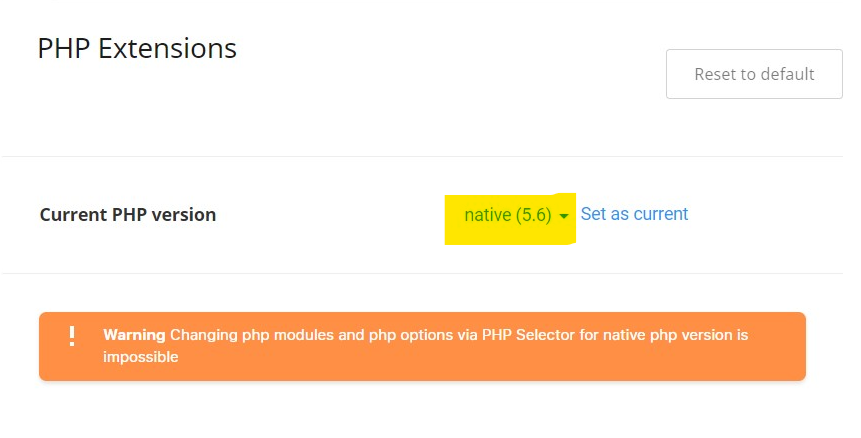
Step 4. Click Set as current.
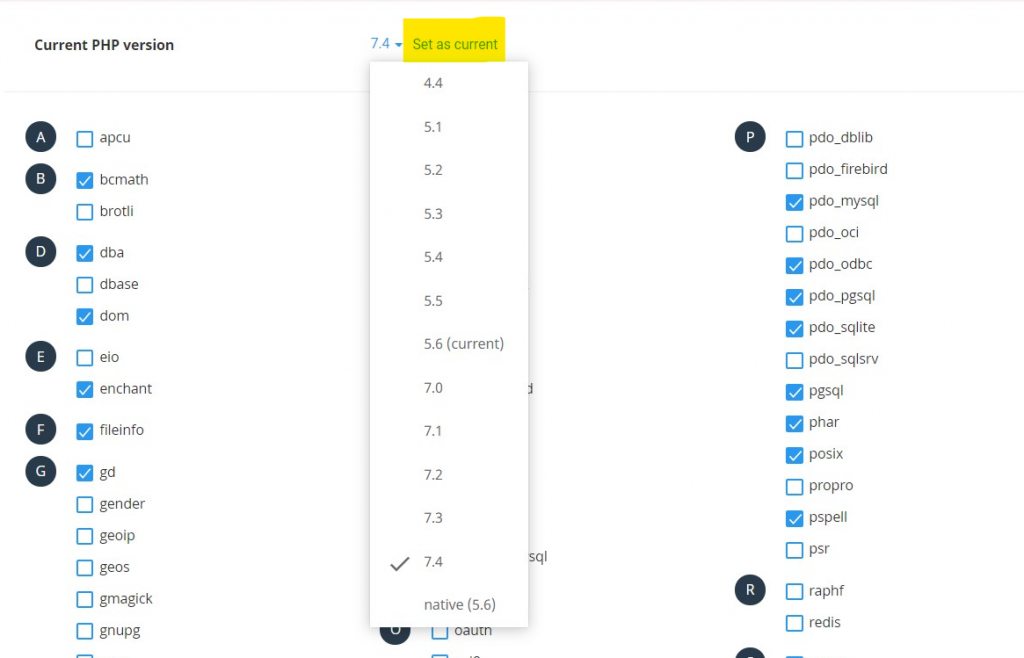
The new version takes effect immediately. Open your site and check that it still works.
If the site breaks after the change
Switch back to the previous version in the same way. An old plugin or theme may not support the new version yet. Update your plugins and theme first, then try the newer PHP version again.
