
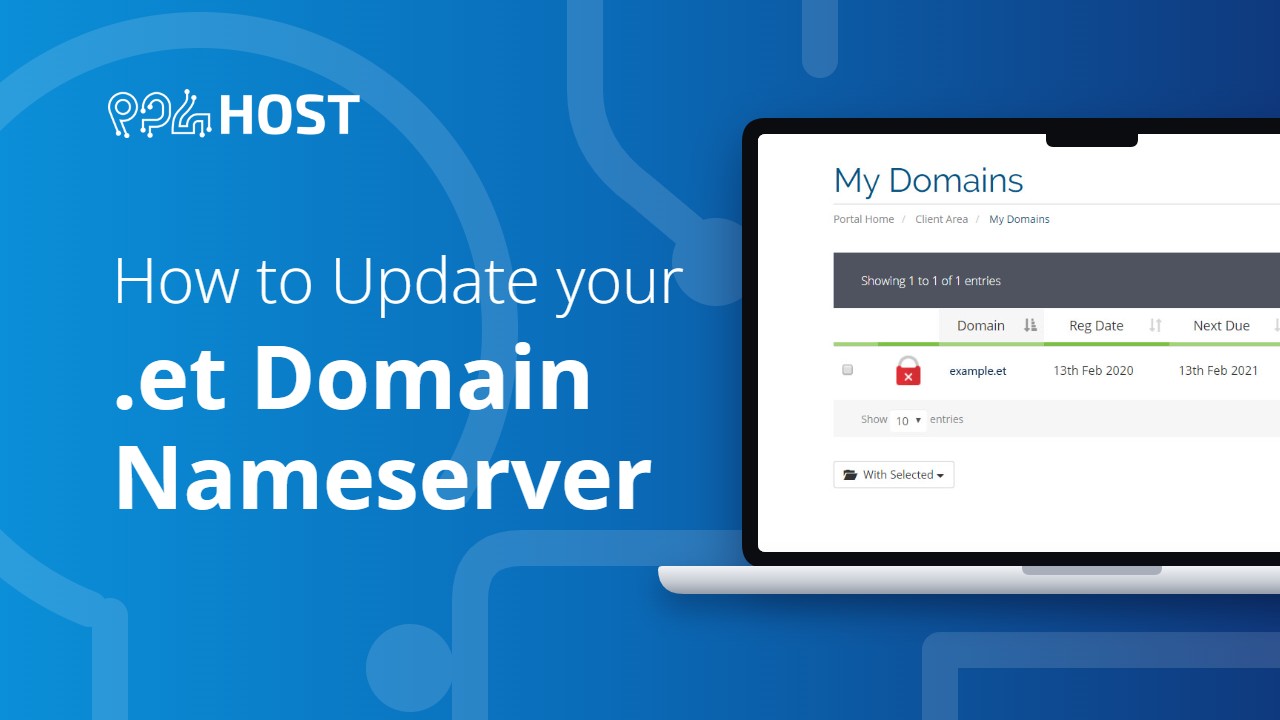
To Use The .et Domain name with your cpanel account at yegara , you will need to change the name server of your domain at ethiotelecoms client area and change it to yegara. Please Follow the instructions below to point your domain to yegara
1. Login to Ethiotelecoms Hosting Portal:
Visit myportal.ethiotelecom.et/clientarea.php and login by providing the username and password you used when you purchased the .et domain name .

2. click on “Domains” > “My Domains”
Upon successfully login go to the menu items located on the top and click on “Domains” and select “my domains ” from the dropdown menu.

3. click on “Manage Nameservers”
Click on the Down Arrow icon to the right of your domain name for which you want to change the name servers. Then click “Manage Nameservers” from the dropdown menu.

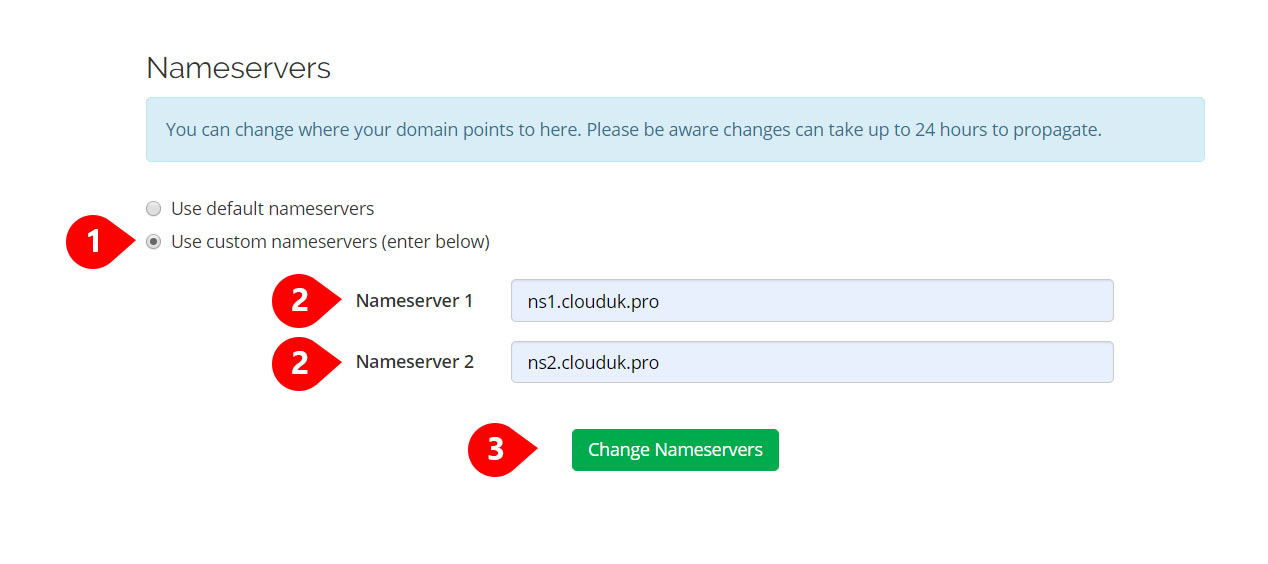
4. click on ” Use custom nameservers (enter below)”
select Use custom nameservers (enter below) and edit the default nameservers you see with your nameserver at yegara and click on “Change Nameservers”
you will find the nameservers in your yegara client area or you can ask our support team
5. Verify Your Changes
Refresh the Ethiotelecom Hosting portal and make sure the changes you made have taken effect and the nameservers are not changed back to the default one.
What To Do If the Nameserver Changes back.
Sometimes you get a success message, at the same time an error message at the top. If you get Error 2304: Object status prohibits operation it means you will have to unlock the domain name

Unlocking Your .et domain name
- Select “registrar Lock” from the left side menu
- Click on “Disable Registrar Lock”

Now you can Go back and change the nameserver again.
* It might take time from 24 up to 72 hours for the domain name server to be propagated.


Leave a Reply