
Ibrahim Ghazali
-

How to Connect to the Yegara Host Telegram Bot to Get Notifications
Connect your account to the Yegara Host Telegram bot to receive payment details for new orders, order updates and renewal reminders.

-
How to Copy Email Accounts from One cPanel to Another
Move a mailbox and its old emails to a new cPanel account yourself: create the mailbox on the new cPanel, then copy the mail…
-
How to Create Email Accounts in cPanel and Log In to Webmail
Create a mailbox on your own domain in cPanel under Email Accounts, then read and send email from any browser through webmail.
-
I see a “Coming Soon…” page instead of my content!
New hosting accounts start with a default Coming Soon page. Here is why you still see it after uploading your site or installing WordPress,…
-
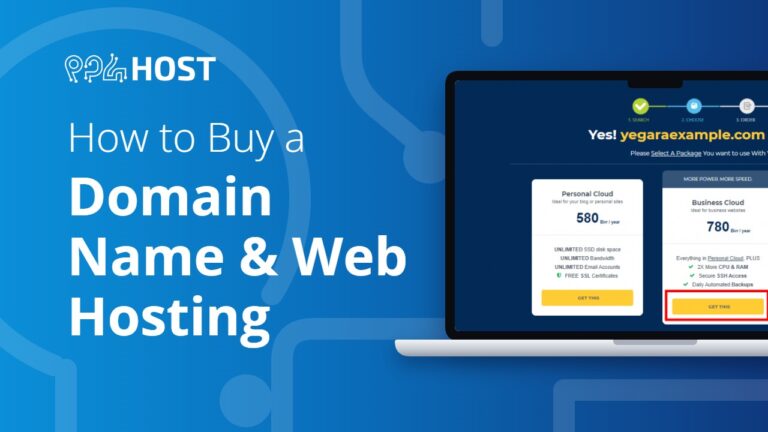
How to Buy a Domain Name and Web Hosting from Yegara HOST
Order a domain and hosting from Yegara HOST in five steps: choose a plan, choose your domain, enter your details, place the order, then…
-
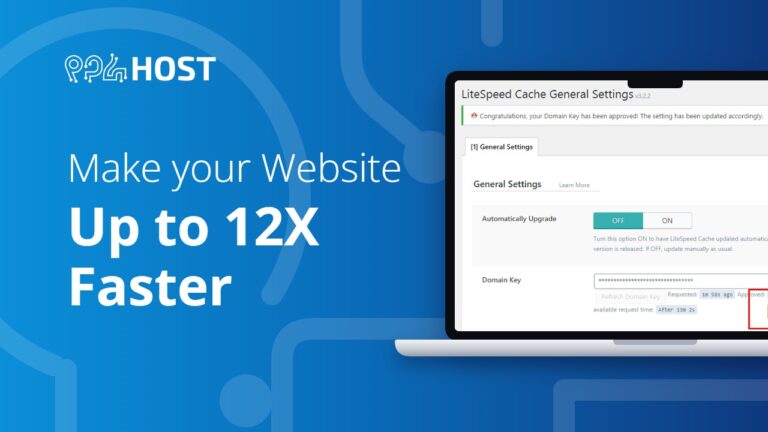
Optimize Your Website: Up to 12X Faster
A practical guide to speeding up your website: test its current speed, then apply our recommended optimizations.
-
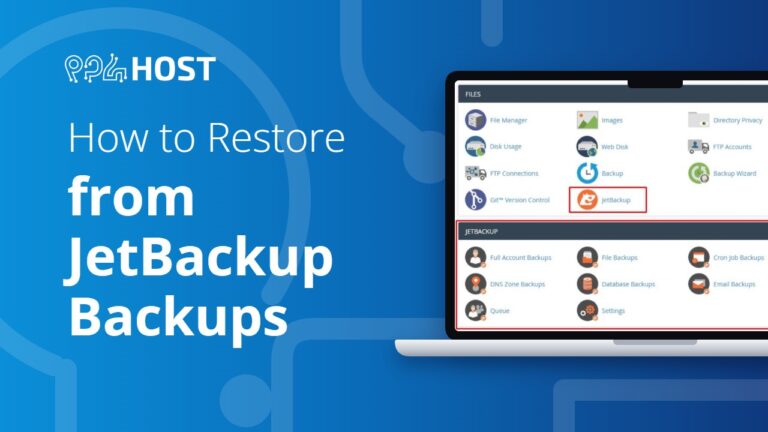
JetBackup: Restore from Your Backups
Restore your website files, databases or email from the automatic backups with JetBackup in cPanel, or download a copy of a backup, without waiting…
-
How to Reset Your cPanel Password
Forgot your cPanel or DirectAdmin password? Set a new one from your Yegara dashboard without the old one: Hosting & Services, Manage, Click To…
-
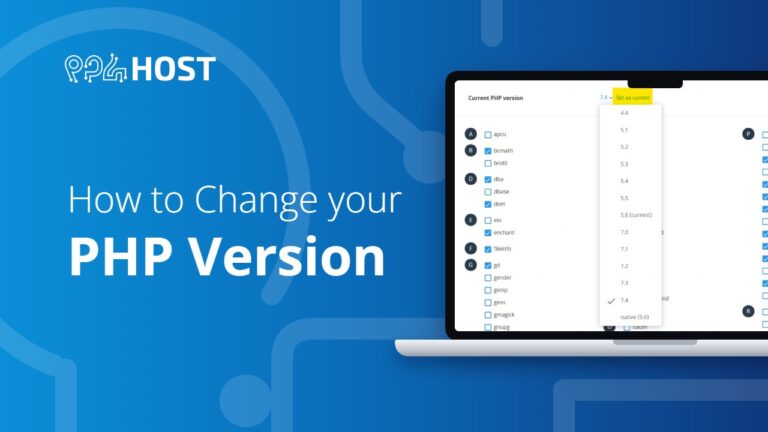
How to Change Your PHP Version
Switch your site’s PHP version yourself in cPanel under Select PHP Version. The change takes effect immediately, and you can switch back if the…